D
Devmcp
作者 @zenworksza
MCP server by zenworksza
创建于 5/15/2026
更新于 about 3 hours ago
README
Repository documentation and setup instructions
devMCP
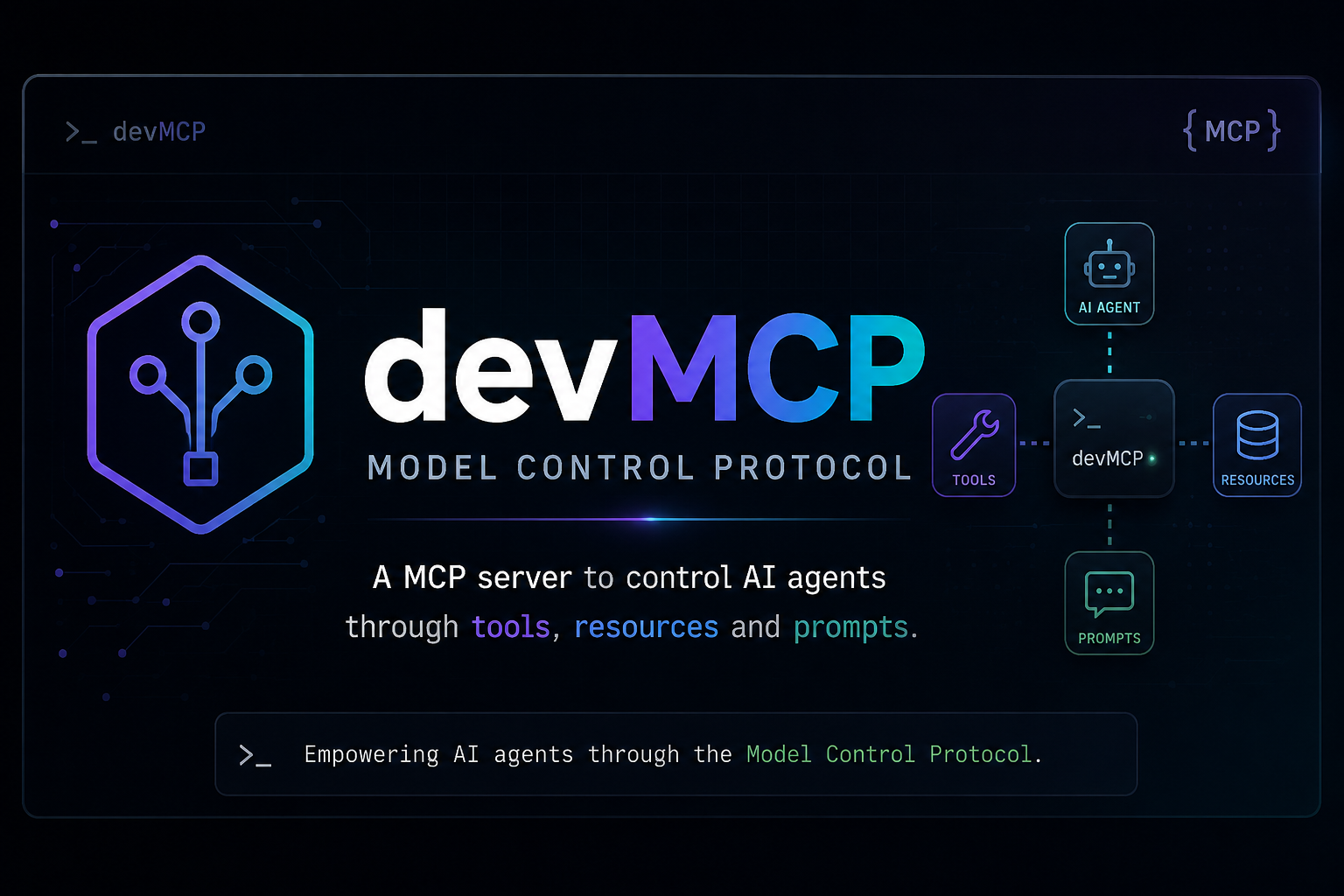
Modular Model Context Protocol (MCP) development server for local/offline coding agents, featuring a Telegram bot for remote management.
Overview
devMCP provides a suite of tools and workflows designed for autonomous coding agents. It follows a modular architecture where basic tools (CLI wrappers) are composed into higher-level "skills" (workflows).
Core Components
server.py: The main entry point for the FastMCP server. It listens on0.0.0.0:8000using thestreamable-httptransport.telegram_bot.py: A standalone service providing two-way communication between the developer and agents via Telegram. It supports status checks, deployment, and delegation to agents like Kimi, Gemini, and Codex.registry.py: Manages the registration of all tool and skill modules into the MCP server.core/runtime.py: Shared utilities for command execution, file management, state (memory), and tool auto-installation.
Architecture
/
├── server.py             # FastMCP Entry Point
├── telegram_bot.py       # Telegram Interface
├── registry.py           # Module Registration
├── core/                 # Shared Runtime & Helpers
├── tools/                # Atomic Tool Wrappers (git, docker, files, etc.)
└── skills/               # Multi-step Workflow Tools
Setup & Run
1. Configure Environment
Copy the example environment file and fill in your credentials:
cp .env.example .env
# Edit .env and add your TELEGRAM_TOKEN and TELEGRAM_CHAT_ID
2. Prerequisites
- Python 3.10+
- Virtual environment (recommended)
- Tools like
docker,git,ripgrep, etc. (the server will attempt to auto-install missing dev tools)
3. Running the MCP Server
/home/$user/mcp-dev-server/.venv/bin/python3 server.py
Running the Telegram Bot
/home/$user/mcp-dev-server/.venv/bin/python3 telegram_bot.py
Available Toolsets
Tools are categorized by their function in the tools/ directory:
- Filesystem:
files.py(read, write, replace, list, search, glob, etc.) - Git:
git.py(status, diff, log, commit, push, pull) - Docker:
docker.py(logs, ps, restart, build, deploy, audit) - Languages:
python_dev.py,javascript_dev.py(linting, formatting, type checking) - Quality & Security:
quality.py,security.py(complexity, dead code, secrets, vulnerability scans) - Infrastructure:
database.py,network.py,remote.py(SQL/Redis queries, port scans, SSH management) - Agents & Memory:
agents.py,memory.py(delegation, persistent key-value store)
Skills (Workflows)
Higher-level tools found in skills/:
ops_workflows.py: CI debugging, PR reviews, dependency upgrades, Docker optimization, incident triage.project_health.py: Broad project health checks, status reports.scaffold.py: Creating new tool and skill templates.workflows.py: Common multi-step tasks like release note generation.
Telegram Commands
The bot supports direct commands and agent delegation:
deploy <project>: Local build and restart.status <project>: Docker compose status.logs <project> <service>: View service logs.git status/pull/push: Git operations.memory list/get: Access agent memory.kimi: <prompt>,gemini: <prompt>,codex: <prompt>: Delegate tasks to specific agents.<anything else>: Sent to Codex as a plain prompt.
快速设置
此服务器的安装指南
安装包 (如果需要)
uvx devmcp
Cursor 配置 (mcp.json)
{
"mcpServers": {
"zenworksza-devmcp": {
"command": "uvx",
"args": [
"devmcp"
]
}
}
}