Model Context Protocol (MCP) server for document processing and formatting using Python, with support for tools, resources, and prompt-based interactions.
MCP Document System
A Python-based document management system built on the Model Context Protocol (MCP). Interact with documents through structured tools, resources, and prompts — with LLM-powered query support via OpenRouter.
Features
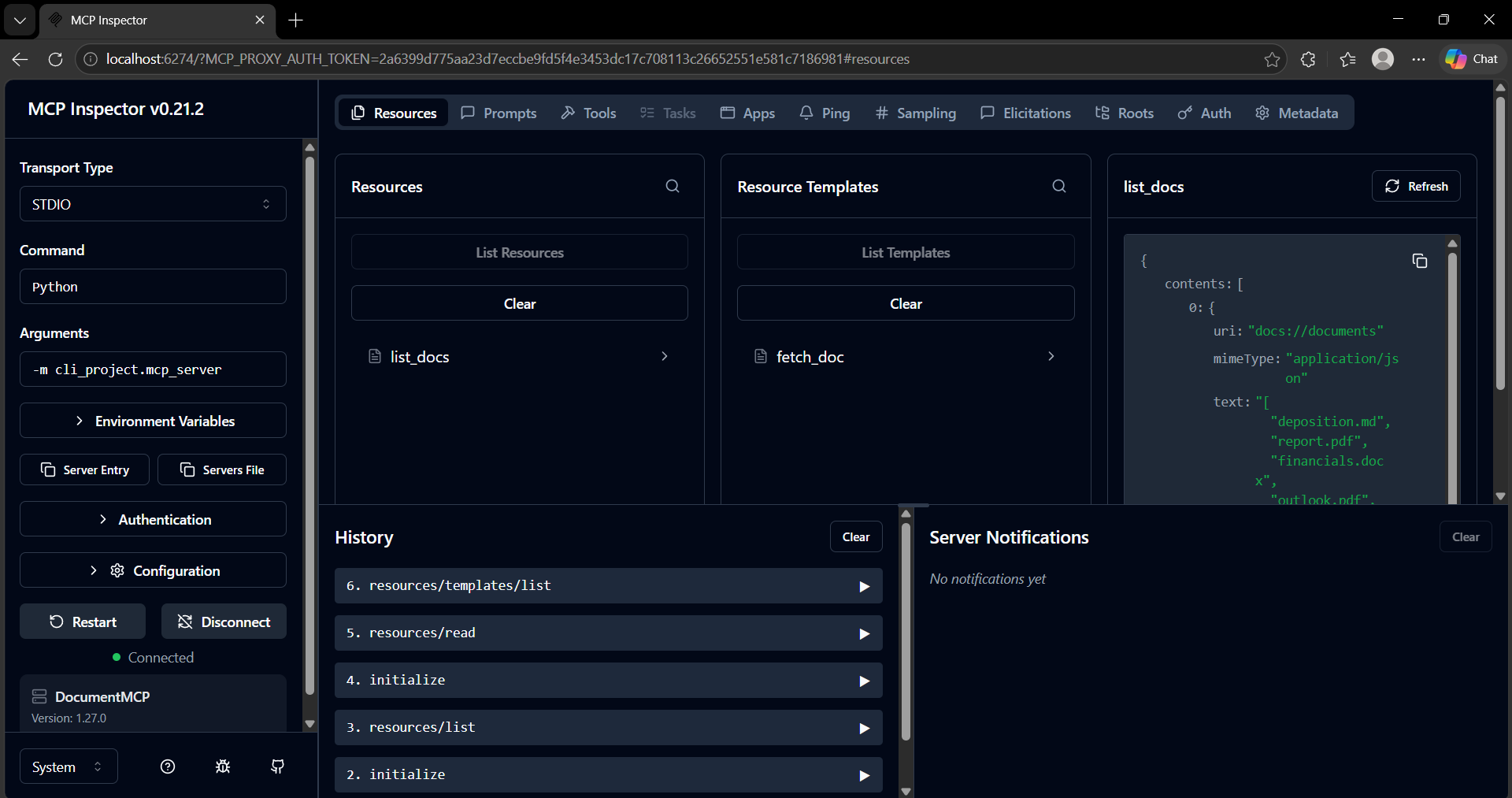
- Document resource system (
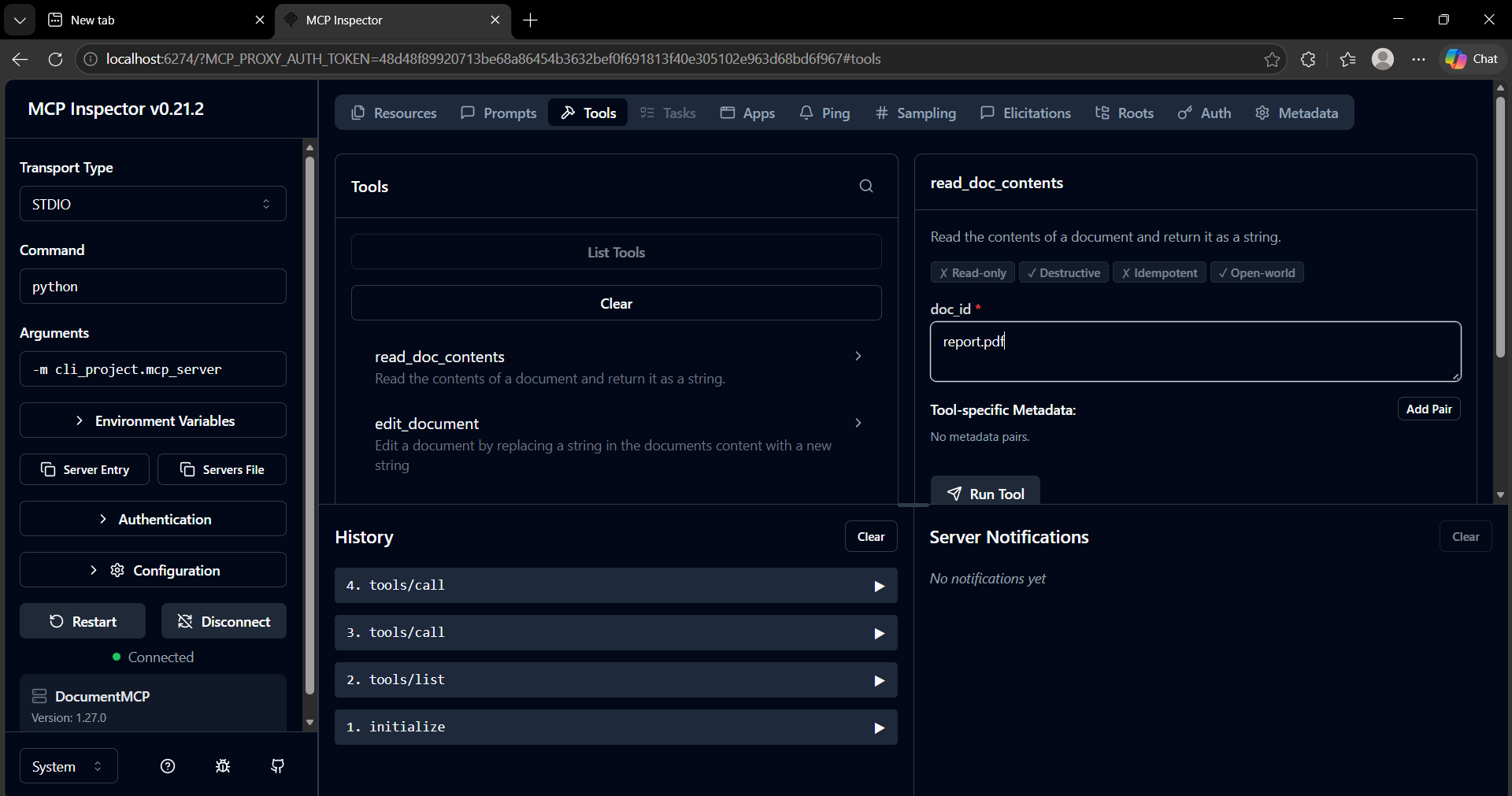
list_docs,fetch_doc) - Tool-based document operations — read and edit document contents
- LLM integration via OpenRouter for natural language queries
- Fully functional MCP server with Inspector support
- CLI-based interactive client
Architecture
CLI (main.py)
    ↓
MCP Client (mcp_client.py)
    ↓
MCP Server (mcp_server.py)
    ↓
Tools + Resources (tools.py, core/)
    ↓
Documents
Screenshots
MCP Inspector — Tools
MCP Inspector — Resources
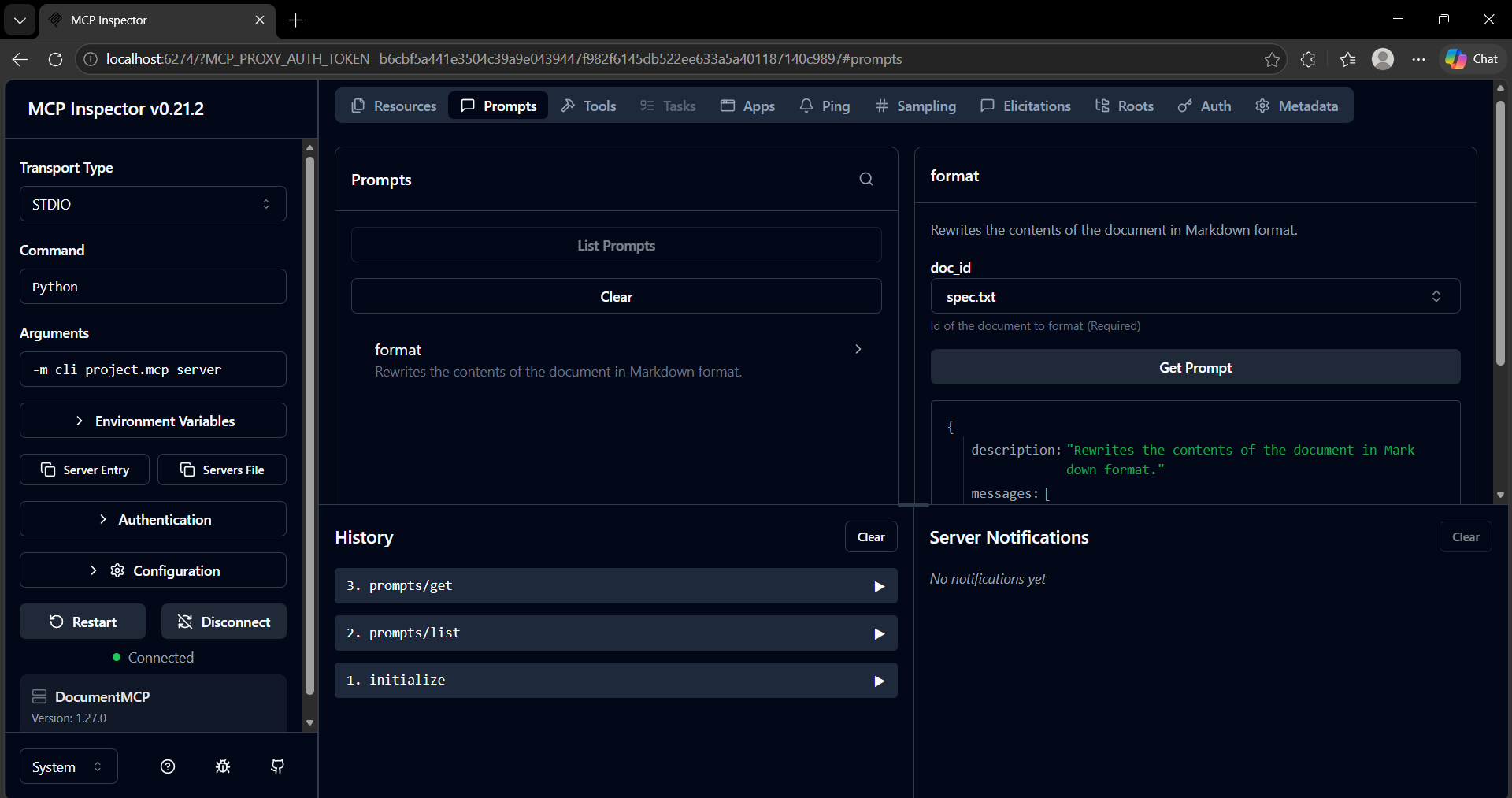
MCP Inspector — Prompts
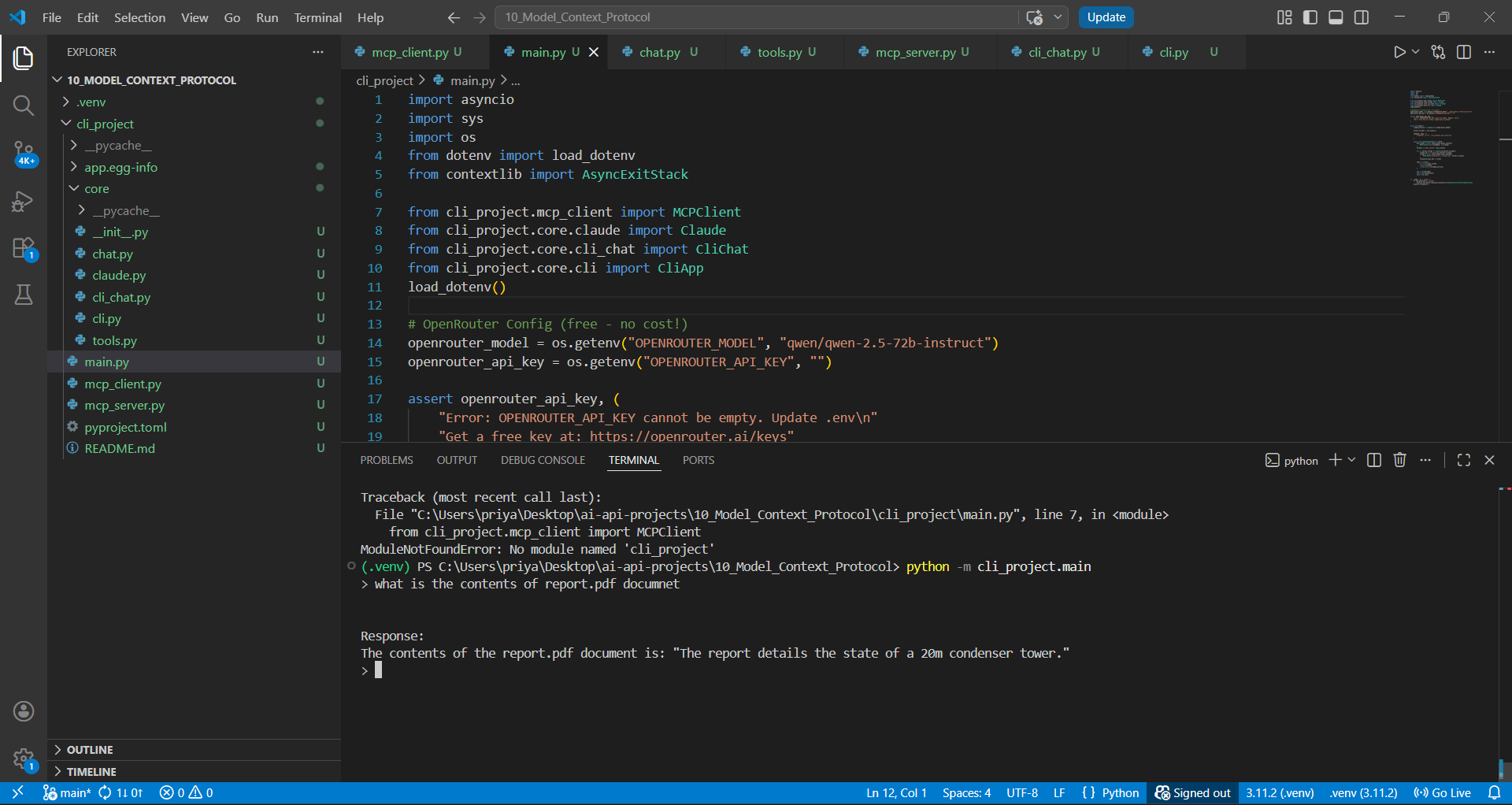
CLI Interaction
Setup
1. Clone the repository
git clone https://github.com/<your-username>/mcp-document-system.git
cd mcp-document-system
2. Create a virtual environment
python -m venv .venv
.venv\Scripts\activate       # Windows
# source .venv/bin/activate  # macOS/Linux
3. Install dependencies
pip install mcp anthropic python-dotenv
4. Configure environment variables
Create a .env file in the project root:
OPENROUTER_API_KEY=your_api_key_here
OPENROUTER_MODEL=qwen/qwen-2.5-72b-instruct
Usage
Run the MCP Server (for Inspector)
mcp dev cli_project/mcp_server.py
Then open the Inspector at: http://localhost:6274
Run the CLI Client
python -m cli_project.main
Example query:
> what is the contents of report.pdf document

The report details the state of a 20m condenser tower.
Available Tools
| Tool | Input | Output |
|------|-------|--------|
| read_doc_contents | doc_id | Document text |
| edit_document | doc_id, old_str, new_str | Updated document |
Project Structure
cli_project/
├── core/
│   ├── chat.py
│   ├── cli.py
│   ├── cli_chat.py
│   ├── tools.py
│   └── claude.py
├── mcp_client.py
├── mcp_server.py
├── main.py
├── pyproject.toml
└── README.md
screenshots/
├── tools.png
├── resources.png
├── prompts.png
└── cli.png
MCP Inspector Capabilities
| Action | Description |
|--------|-------------|
| resources/list | List all available documents |
| resources/read | Read a specific document |
| tools/call | Execute a tool (read or edit) |
| prompts/list | Inspect registered prompts |
Roadmap
- [ ] Database storage backend
- [ ] Improved PDF/DOCX parsing
- [ ] Authentication layer
- [ ] Web UI
Author
Priya Singh — B.Tech CSE | AI/ML Enthusiast
If this project helped you, consider giving it a ⭐ on GitHub!