A self-evolving AI agent that reads, writes, executes, and iterates — all locally on your machine.
MCPlato
The Desktop AI Engine for Local-First AI Workflows
English | 简体中文 | 日本語 | Français | Deutsch | Español




Think Together, Think Beyond.
Local-first by design. With your permission, AI works with your files, your tools, your way.
Download | ClawMode | Blog | Changelog | Pricing
Desktop AI Engine · Local-First AI · AI Partner · Autonomous Agent · ClawMode · Scheduled Tasks · MCP Native · Skills · Browser Automation · Document AI · macOS · Windows
What is MCPlato?
MCPlato is an AI Partner for your desktop: a local-first AI workspace that helps read, write, execute, automate, and iterate across files, tools, documents, browsers, and long-running workflows.
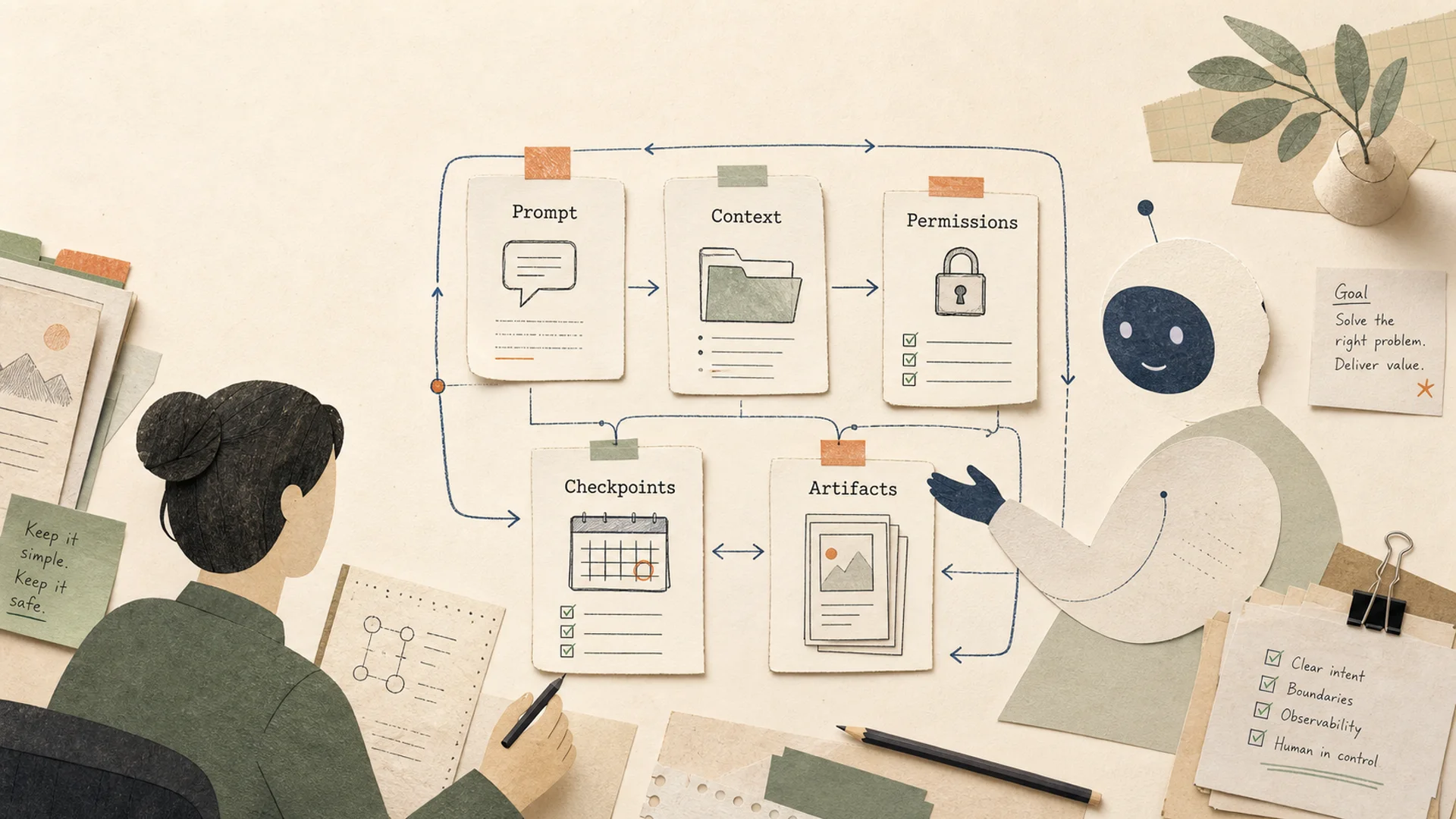
Instead of treating AI as a floating chatbot, MCPlato turns work contexts into AI Partner workspaces. Each partner can help with a specific project, remember context, ask before taking action, and continue long-running work while you focus elsewhere.
Why teams use MCPlato
- Local-first control — work with files and tools on your own computer, with explicit permission boundaries.
- AI Partner workspaces — keep dedicated partners for projects, reports, research, operations, or personal productivity.
- Autonomous workflows — schedule recurring AI tasks for reports, reviews, cleanup, monitoring, and follow-up.
- ClawMode access — reach your AI partner from supported messaging channels and let it continue background work.
- Skills and MCP tools — extend MCPlato with reusable capabilities for documents, spreadsheets, PDFs, browser automation, image workflows, and external services.
- Parallel productivity — run multiple AI conversations and workflows without blocking your main task.
Model & integration ecosystem
Powered by leading AI models







Connects to your favorite tools






Messaging channels for ClawMode







Core capabilities
| Capability | What it helps with | | --- | --- | | AI Partner workspaces | Persistent, named work contexts for projects and teams | | Local-first execution | Read files, run tools, and create outputs under user control | | ClawMode | Scheduled/background AI work and channel-based collaboration | | Skills | Reusable workflows for productivity, documents, media, and custom tasks | | MCP native | Connect to thousands of MCP-compatible tools and services | | Browser automation | Browse pages, click buttons, fill forms, capture screenshots, and extract content | | Document AI | Work with PDFs, Word documents, spreadsheets, images, and structured reports | | Multi-window / parallel work | Let multiple partners work independently across tasks and screens |
Use cases
- Developers — review code, summarize repositories, draft release notes, write documentation, and automate repetitive project checks.
- Knowledge workers — read PDFs, compare sources, produce research briefs, summarize meetings, and turn scattered files into structured outputs.
- Teams — prepare weekly updates, process shared documents, coordinate follow-ups, and keep context across multi-day projects.
- Creators and operators — draft content, generate visuals, organize files, analyze spreadsheets, and build repeatable office workflows.
From the MCPlato blog
Explore practical comparisons and workflow guides from the official MCPlato blog.
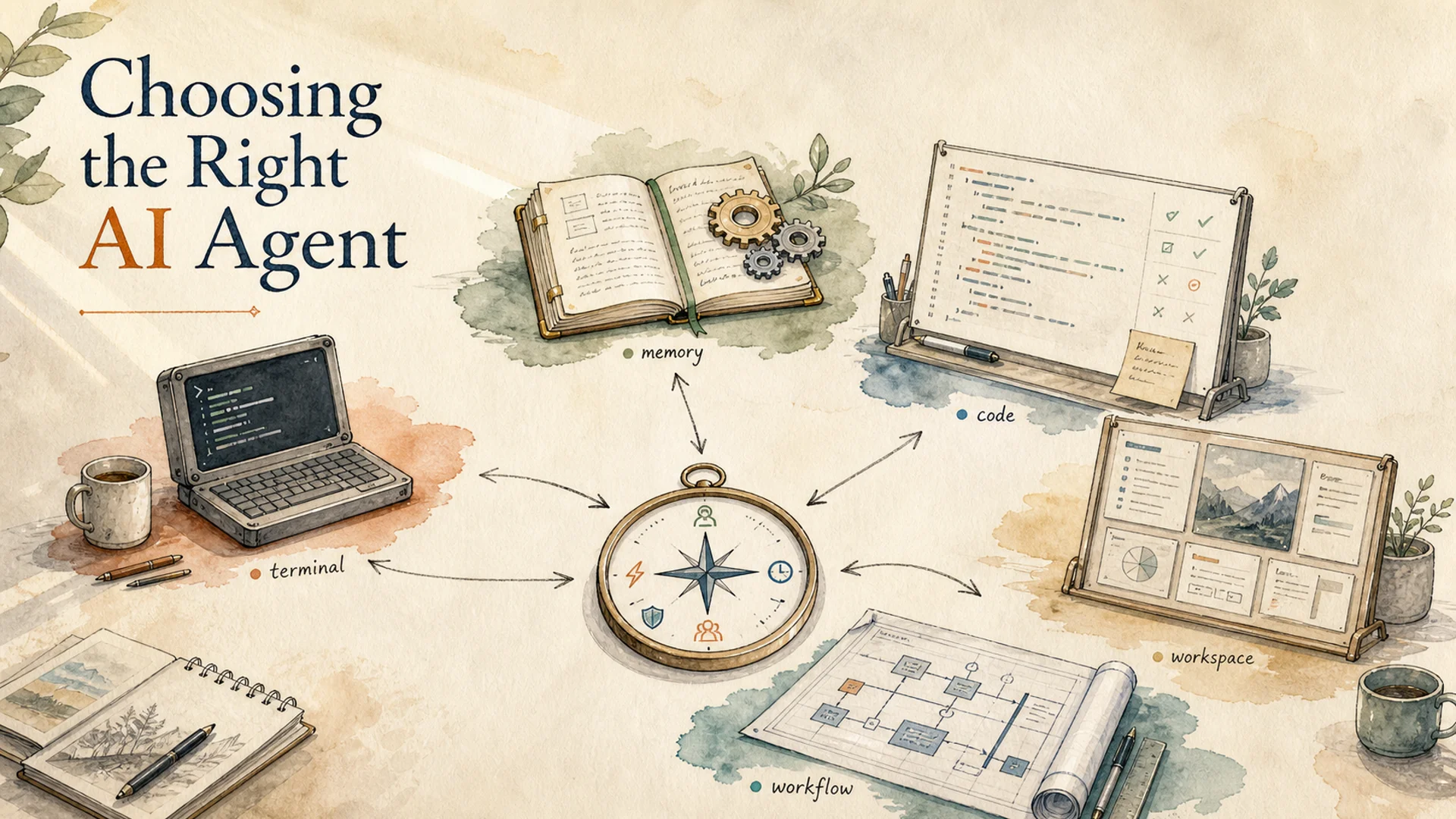
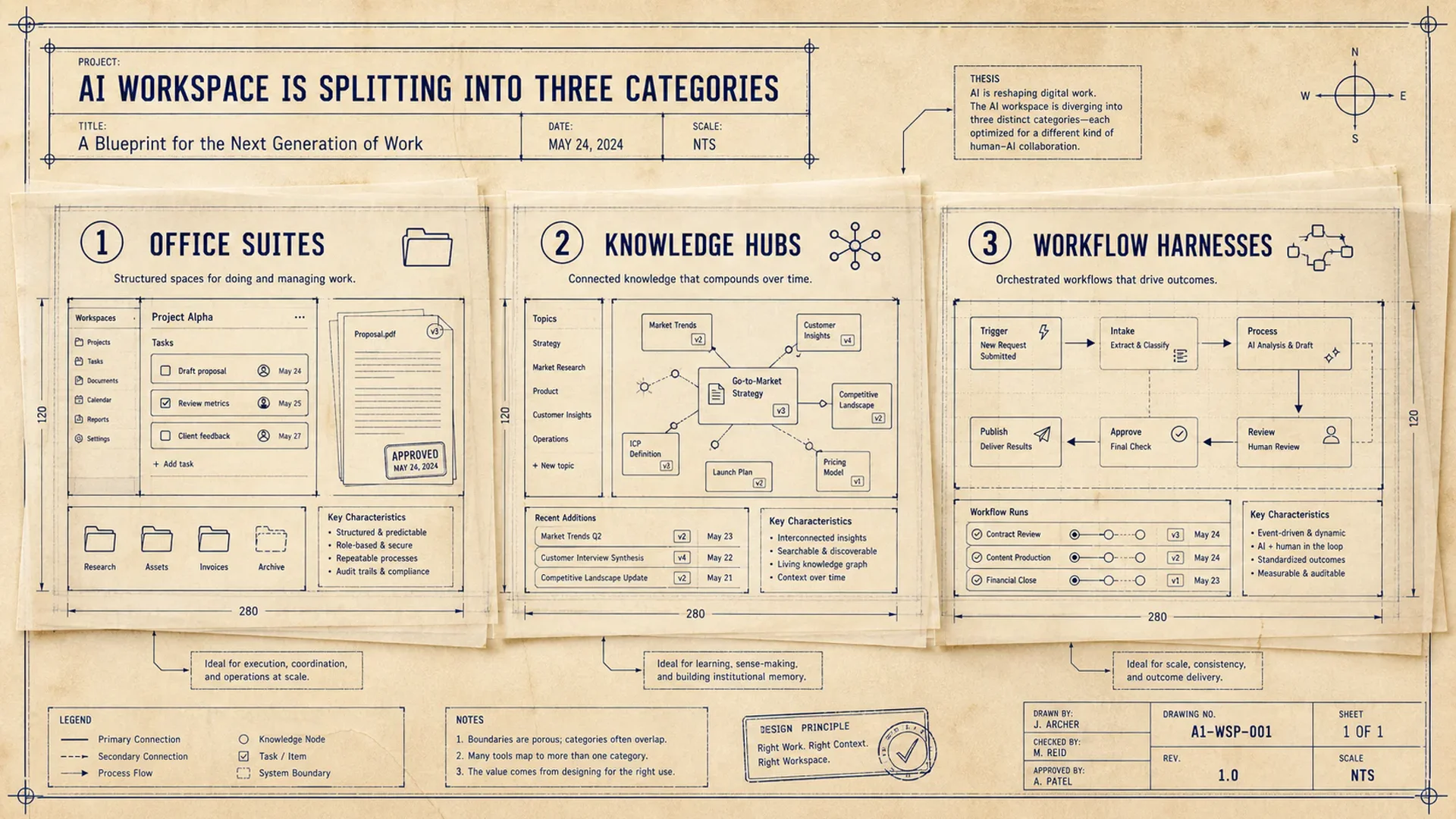
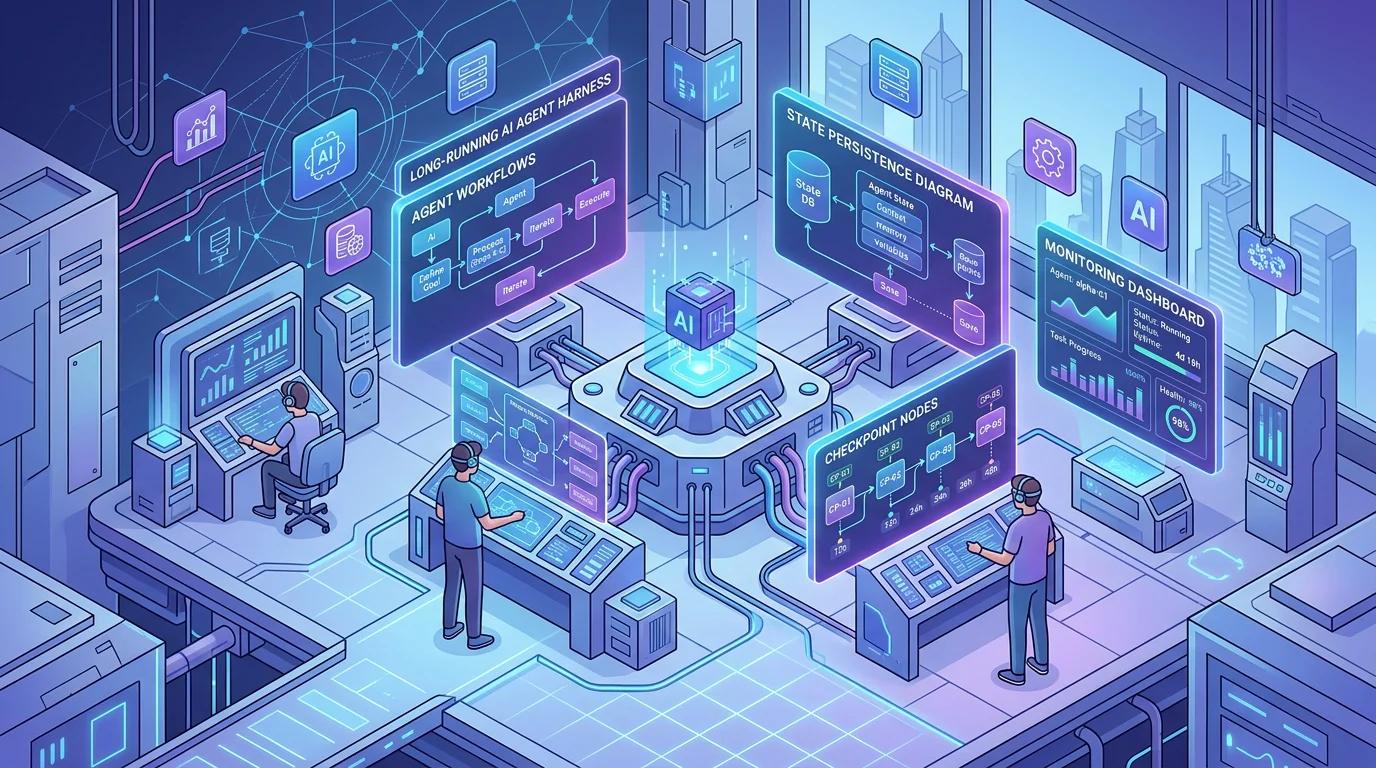
| Topic | Guide | | --- | --- | | Agent comparison | Pi, Hermes, Codex, Claude Code, and MCPlato: Which Agent Fits Your Work? | | AI workspace categories | AI Workspace Is Splitting Into Three Categories | | Agent control patterns | How to Use General AI Agents Without Losing Control | | Production agent harness | Long-running AI Agent Harness: The Missing Piece for Production-Ready Agents | | Agent harness comparison | OpenClaw vs Claude Code vs Hermes vs MCPlato |
Getting started
Use the official product links:
- Visit the MCPlato website
- Download MCPlato for macOS or Windows
- Explore ClawMode
- Read the official changelog
- Read the MCPlato blog
- Check system status
FAQ
Where are release notes?
The official source of truth is the MCPlato changelog.
Where do I download MCPlato?
Use the official Download page.
Legal notice
All product names, logos, and brands are property of their respective owners.