MCP server that lets Claude generate academic-quality flowcharts from natural language or code
flowchart-mcp-server
A local MCP server that lets Claude generate academic-quality flowcharts from natural language or code.
You describe what you want — or connect a codebase via the filesystem connector — and Claude constructs the full graph. The server renders it into a clean SVG using Graphviz.
Prerequisites
- Python 3.12+
- uv
- Graphviz — must be on your
PATH
Install Graphviz for your OS:
# Windows
winget install graphviz

# macOS
brew install graphviz

# Debian / Ubuntu
sudo apt install graphviz
Verify it's installed:
dot -V
Installation
git clone https://github.com/your-username/flowchart-mcp-server
cd flowchart-mcp-server
uv sync
Connecting to Claude Desktop
Open your Claude Desktop config file:
- macOS:
~/Library/Application Support/Claude/claude_desktop_config.json - Windows:
%APPDATA%\Claude\claude_desktop_config.json
Add the server under mcpServers:
{
  "mcpServers": {
    "flowchart": {
      "command": "uv",
      "args": [
        "run",
        "--directory",
        "/absolute/path/to/flowchart-mcp-server",
        "python",
        "server.py"
      ]
    }
  }
}
Replace the path with the actual location on your machine, then restart Claude Desktop.
Usage
Once connected, talk to Claude naturally:
"Draw a flowchart of the binary search algorithm"
"Create an academic-style flowchart of how TCP handshakes work"
"Read my
auth.pyand generate a flowchart of the login flow" (requires filesystem connector)
Charts are returned inline and saved as SVG to the charts/ folder.
Styles
| Style | Description |
|-------|-------------|
| colorful | Vibrant colour-coded nodes (default) |
| academic | Black & white, thick borders — suitable for papers and theses |
| minimal | Soft greys, clean modern look |
Specify a style in your prompt: "...use the academic style"
| | colorful | academic | minimal |
|---|---|---|---|
| | 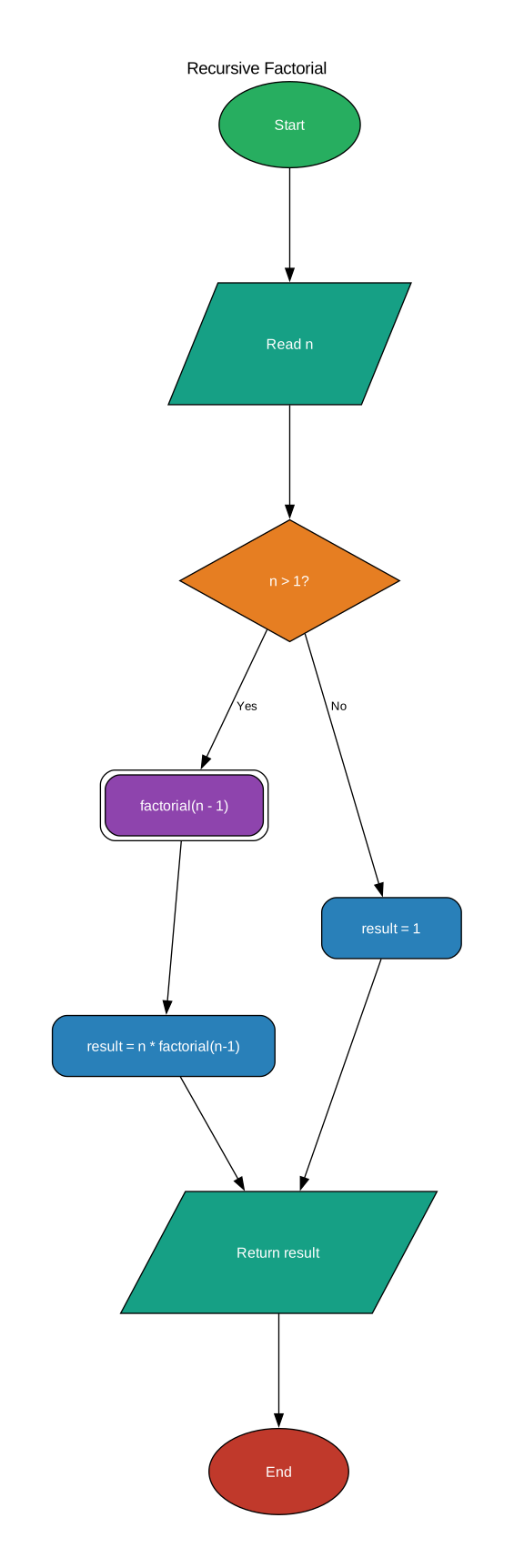 |
| 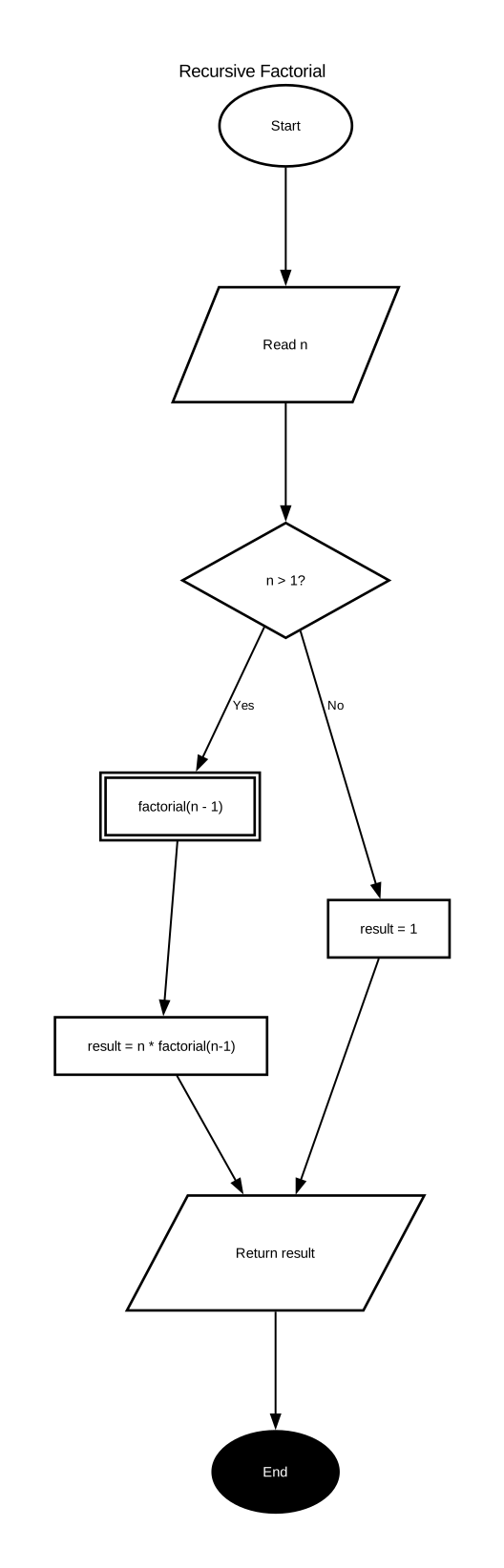 |
| 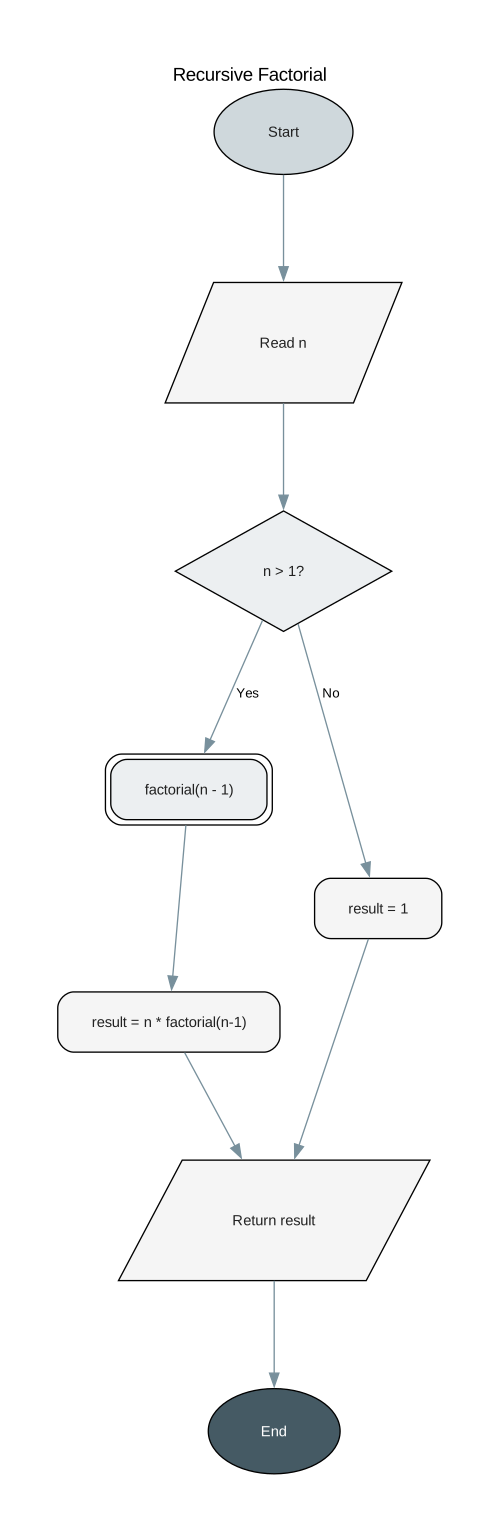 |
|
Node types
| Type | Shape | Used for |
|------|-------|----------|
| start | Oval | Entry point |
| end | Oval | Exit point |
| process | Rectangle | Computation or action |
| decision | Diamond | Branch / condition |
| io | Parallelogram | Input or output |
| subprocess | Double rectangle | Named function call |
| connector | Small circle | Off-page connector |
| annotation | Note | Clarifying comment |
Project structure
flowchart-mcp-server/
├── server.py        # MCP server
├── charts/          # Generated SVG output
├── pyproject.toml
└── uv.lock