Learn while building. Useful tool to learn from your coding sessions/documents.

Turn your Claude conversations into learning opportunities.
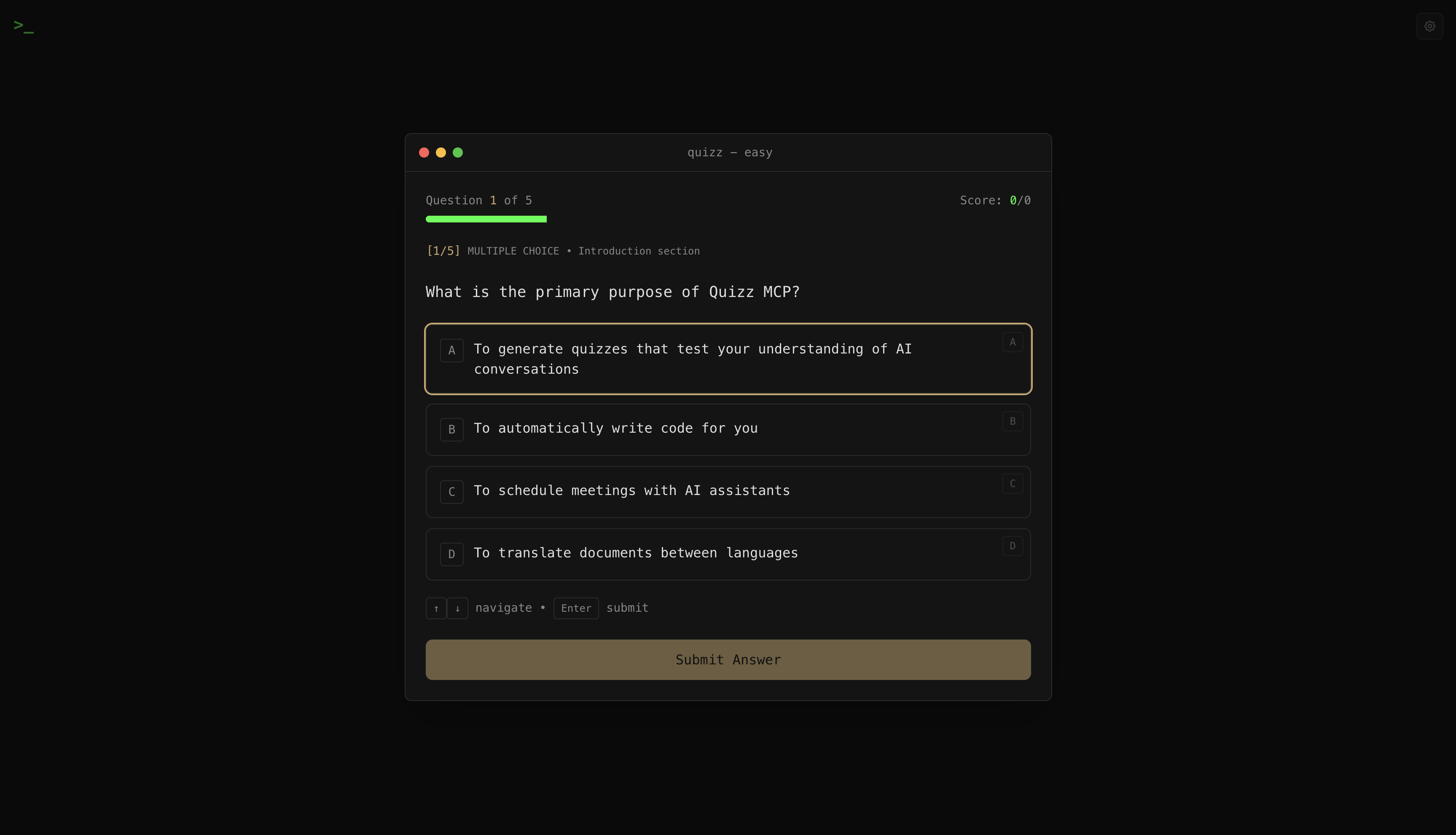
When you're exploring a new concept, debugging code, or learning a framework through Claude or Claude Code, how much are you actually retaining? Quizz MCP helps you engage deeper with your AI interactions by generating quizzes that test your understanding - giving you new perspectives and revealing gaps you didn't know you had.
Why?
Reading explanations feels like understanding. But real comprehension comes from actively recalling and applying concepts. Quizz creates that active engagement:
- Test yourself on code you just reviewed
- Discover blind spots in your understanding
- Get AI feedback on your reasoning, not just right/wrong
- Track progress across topics over time
Getting Started
1. Install
git clone https://github.com/ThoBustos/quizz-mcp.git
cd quizz-mcp
pnpm install && pnpm build
Requires: Node.js 20.11+, pnpm 8+
2. Configure Claude Code
Add to your MCP settings (~/.claude/settings.json or project .mcp.json):
{
  "mcpServers": {
    "quizz": {
      "command": "node",
      "args": ["/absolute/path/to/quizz-mcp/packages/mcp/dist/index.js"],
      "env": {
        "ANTHROPIC_API_KEY": "sk-ant-..."
      }
    }
  }
}
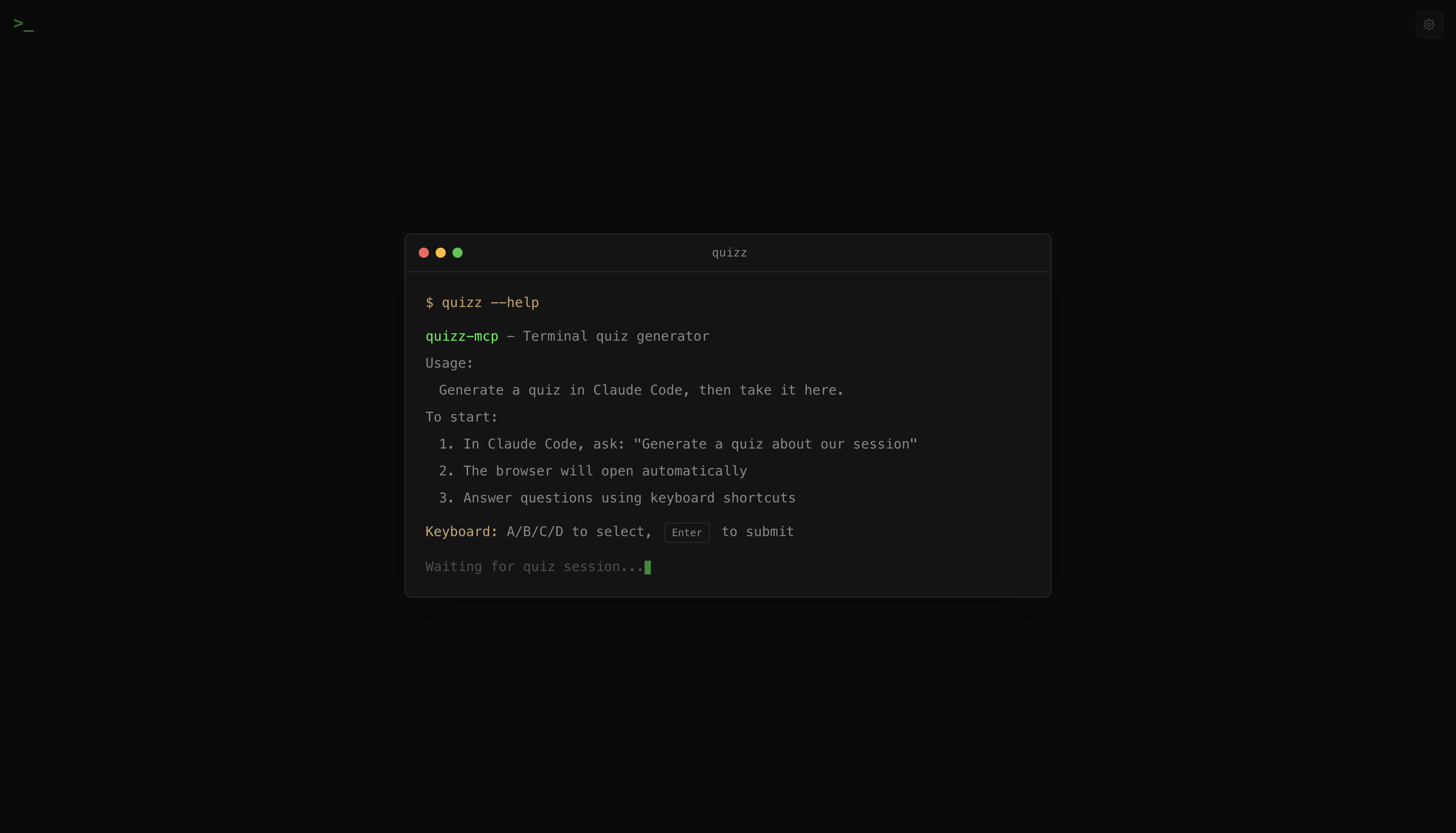
3. Start the Web UI
cd quizz-mcp
pnpm dev
Opens at http://localhost:9004
4. Generate Your First Quiz
In Claude Code, just ask:
Quiz me on what we just discussed
Or be specific:
Generate a quiz about React hooks - 5 questions, medium difficulty, mix of multiple choice and code writing
Claude will ask you to confirm:
- Content: What to quiz on
- Difficulty: Easy, Medium, Hard, or Expert
- Question count: 1-20 questions
- Question types: Multiple-choice, multi-select, open-ended, or code-writing
Then it opens the quiz in your browser.
Taking a Quiz
Keyboard Navigation
| Key | Action |
|-----|--------|
| A-D | Jump to option |
| ↑/↓ | Navigate options |
| Space | Toggle selection (multi-select) |
| Enter | Submit answer |
| Cmd+Enter | Submit code answer |
| Cmd+Shift+E | Expand/collapse AI chat |
AI Chat
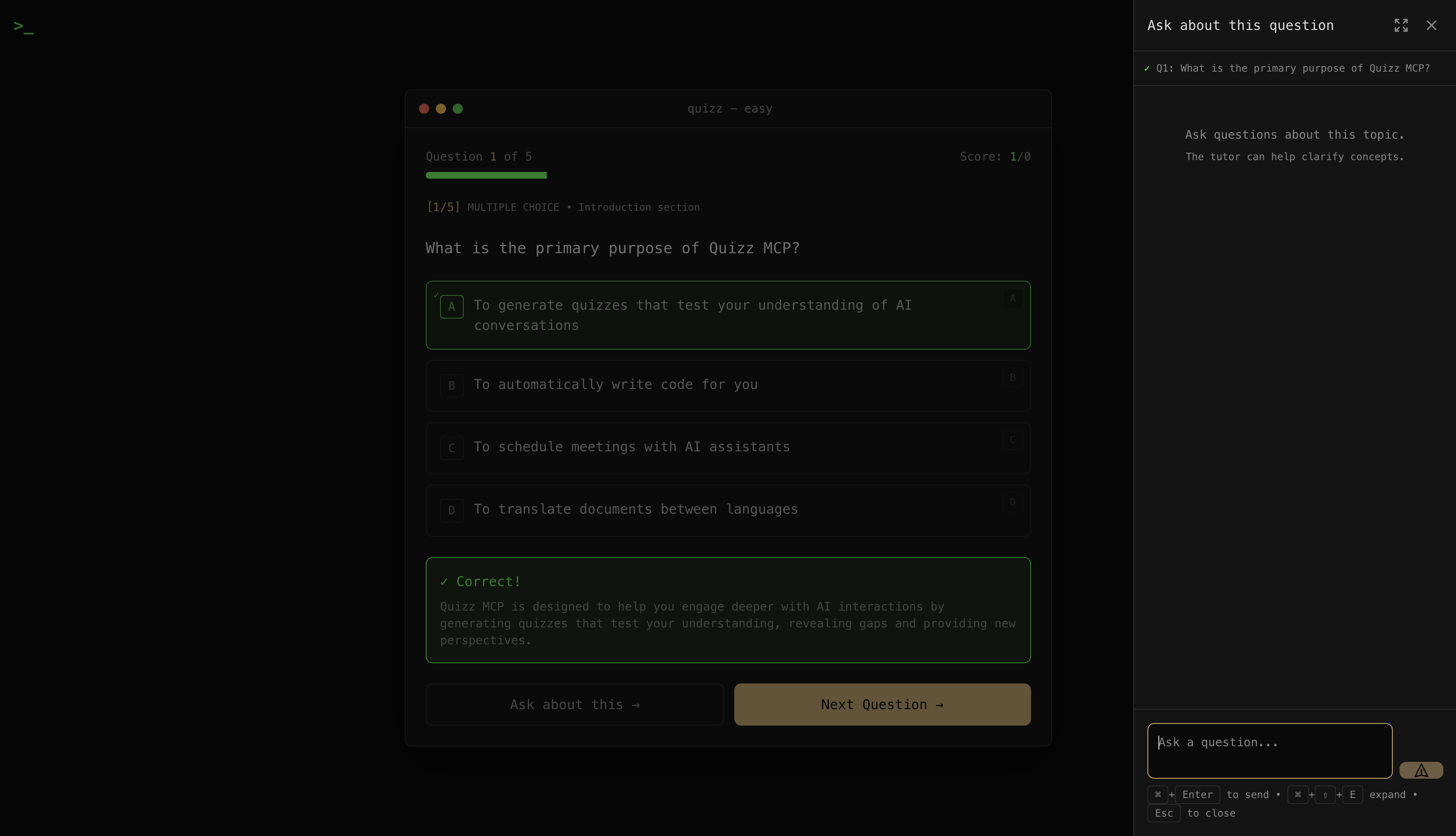
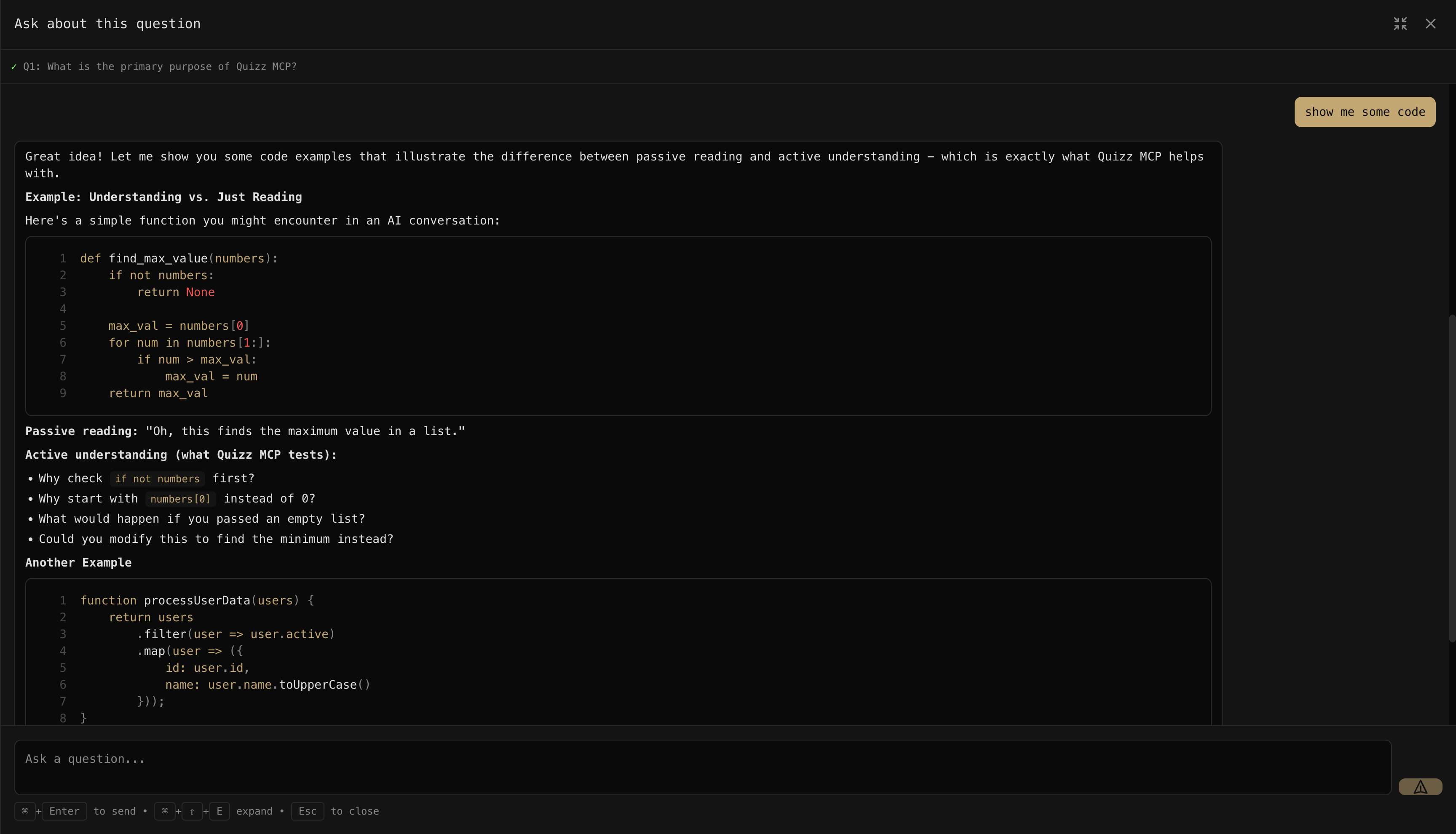
After each answer, you can chat with Claude about the question. Ask for clarification, explore edge cases, or dive deeper into concepts. Click the expand button (or Cmd+Shift+E) for a full-screen chat experience.
The chat supports code blocks, markdown, LaTeX math, and more:
Difficulty Levels
| Level | Pass Threshold | What It Tests | |-------|---------------|---------------| | Easy | 50% | Basic recall, main ideas | | Medium | 60% | Comprehension, patterns, "how" and "why" | | Hard | 75% | Analysis, connections, trade-offs | | Expert | 85% | Critical evaluation, edge cases, alternatives |
Quiz Results
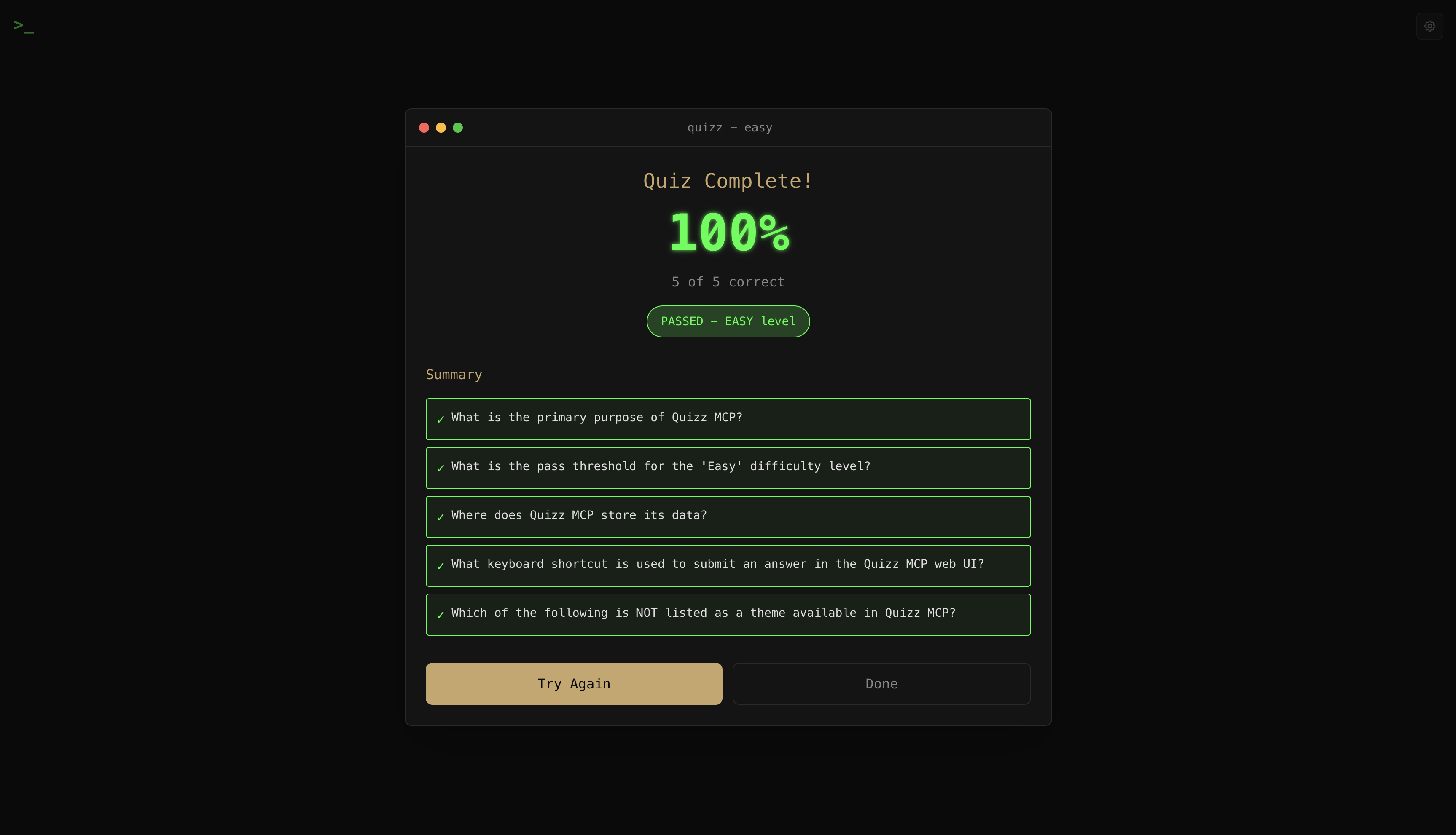
When you complete a quiz, you'll see your score and a summary of all questions. Hit Try Again to reinforce your learning with spaced repetition.
Viewing Your Progress
In Claude Code:
Show my quiz stats
Or use the quiz_stats tool to see:
- Total quizzes taken
- Average scores by difficulty
- Recent session history
Themes
Go to Settings (gear icon) to configure your theme:
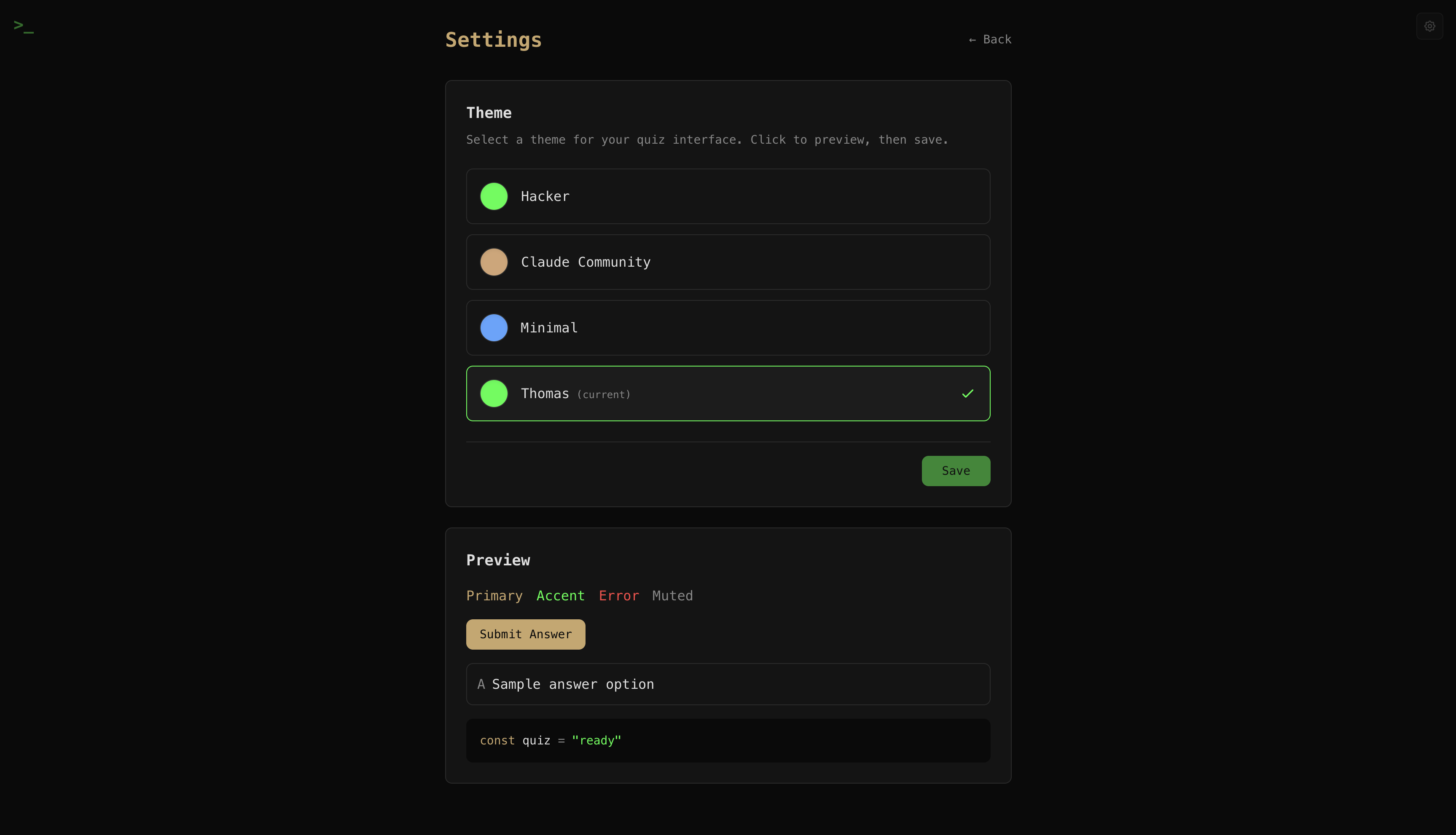
| Theme | Style | |-------|-------| | Hacker | Matrix green terminal aesthetic (default) | | Claude Community | Warm Claude orange tones | | Minimal | Clean blue GitHub-style | | Thomas | Green accents + amber buttons |
Your preference is saved locally.
Troubleshooting
Quiz won't generate?
- Ensure
ANTHROPIC_API_KEYis set in your MCP config - Check that the path to
packages/mcp/dist/index.jsis absolute
Browser doesn't open?
- Start the web UI manually:
pnpm dev - Navigate to
http://localhost:9004/quiz/{session-id}
Database errors?
- The database is stored at
~/.quizz/data.db - Both MCP server and web UI share this database
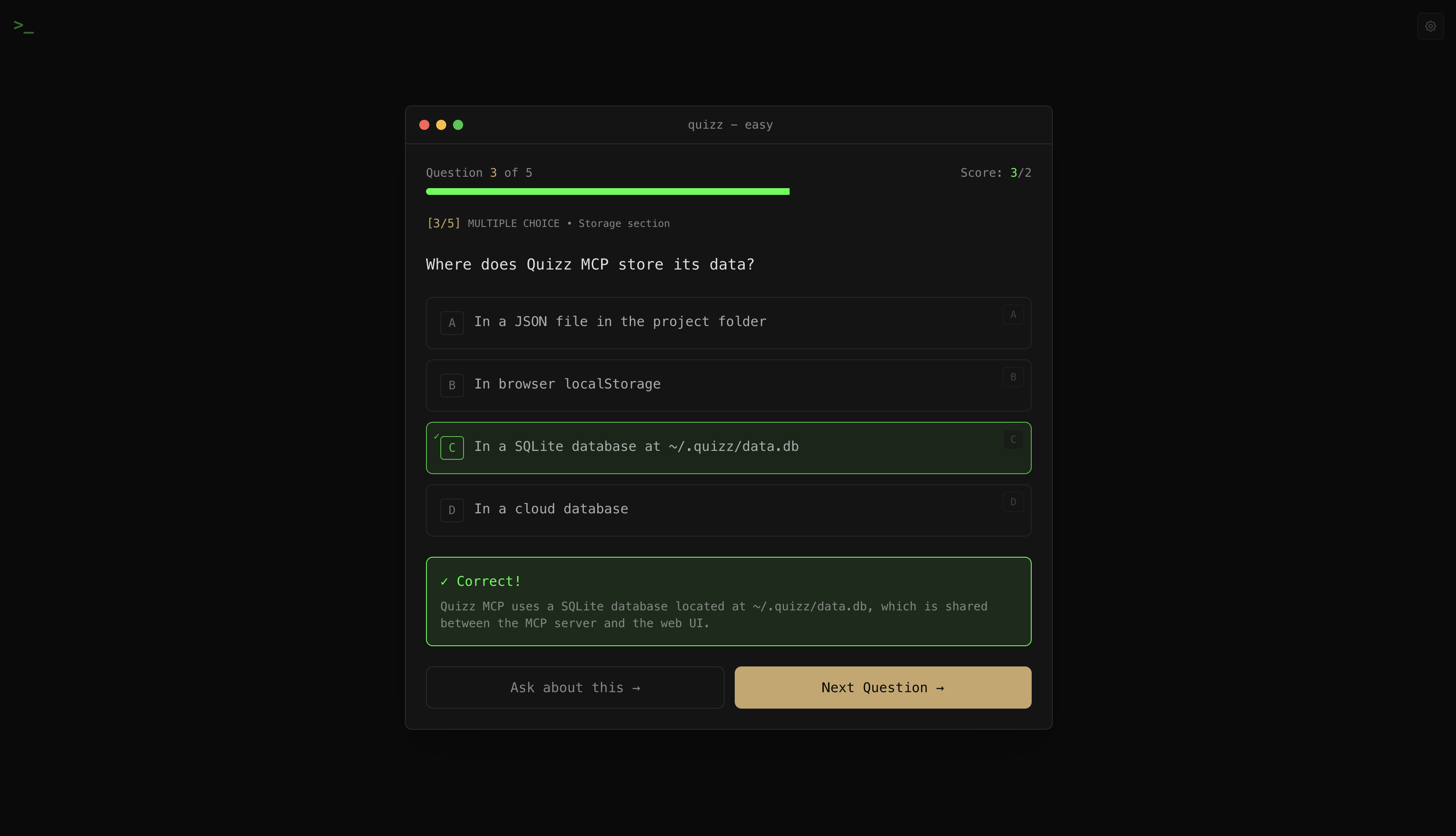
Fun fact: SQLite is the most deployed database in the world - it's in your phone, browser, car, and now tracking your quiz scores. Your learning progress is literally stored in the same format as aircraft flight systems. No pressure.
For Developers
See DESIGN.md for architecture details, or explore:
pnpm test          # Run tests
pnpm lint          # Check code style
pnpm typecheck     # Type checking
License
MIT