Reproducible Codex + Blender MCP scene-building demo
Codex Blender MCP Demo
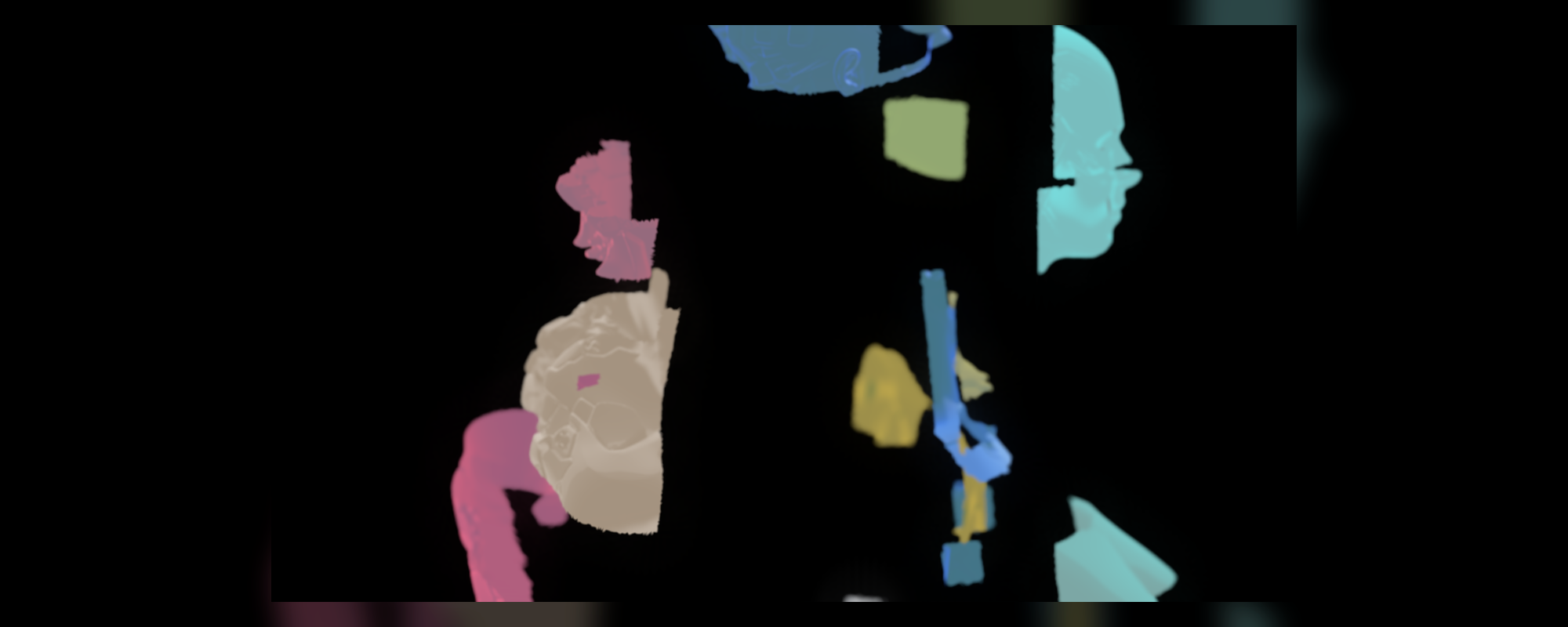
An open, reproducible set of Codex + Blender demos showing how Codex can drive Blender through Python and MCP-style tool execution.
The project now contains two showcase workflows:
- Automatic scene building: Codex creates a complete technical concept
scene from scratch, including geometry, materials, lights, camera, labels,
.blendoutput, a hero render, and a GIF preview. - Existing asset decomposition: Codex opens a Blender scene from
nidorx/matcaps, isolates the female sci-fi bust, segments it into 12 semantic modules, and keyframes a clean disassembly / reassembly animation.
Demo 1: Codex -> MCP -> Blender
This compact demo uses hassledzebra/codex_blender_mcp in background
subprocess mode. It generates a stylized technical workbench scene that
visualizes a Codex-to-Blender control loop.
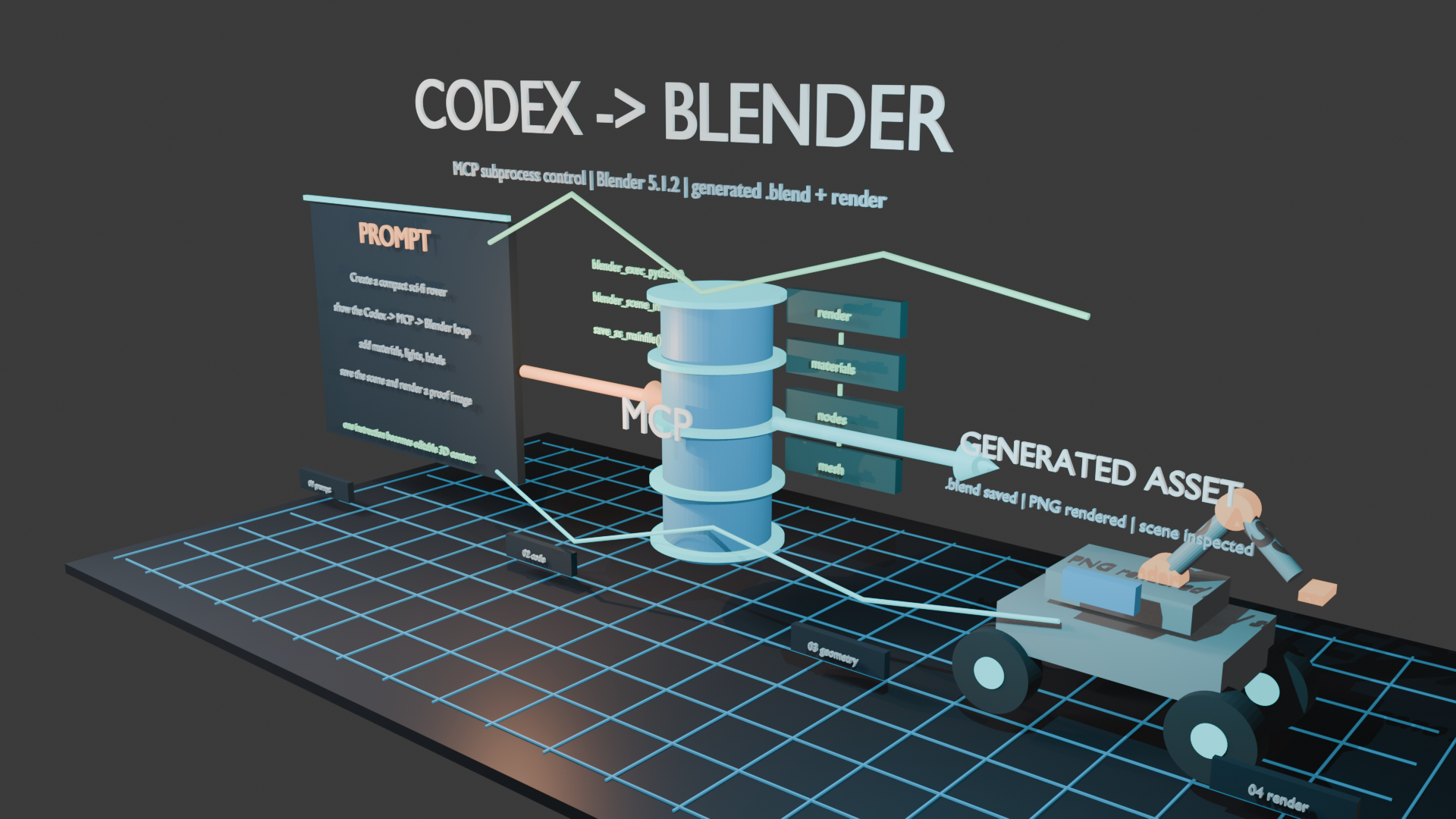
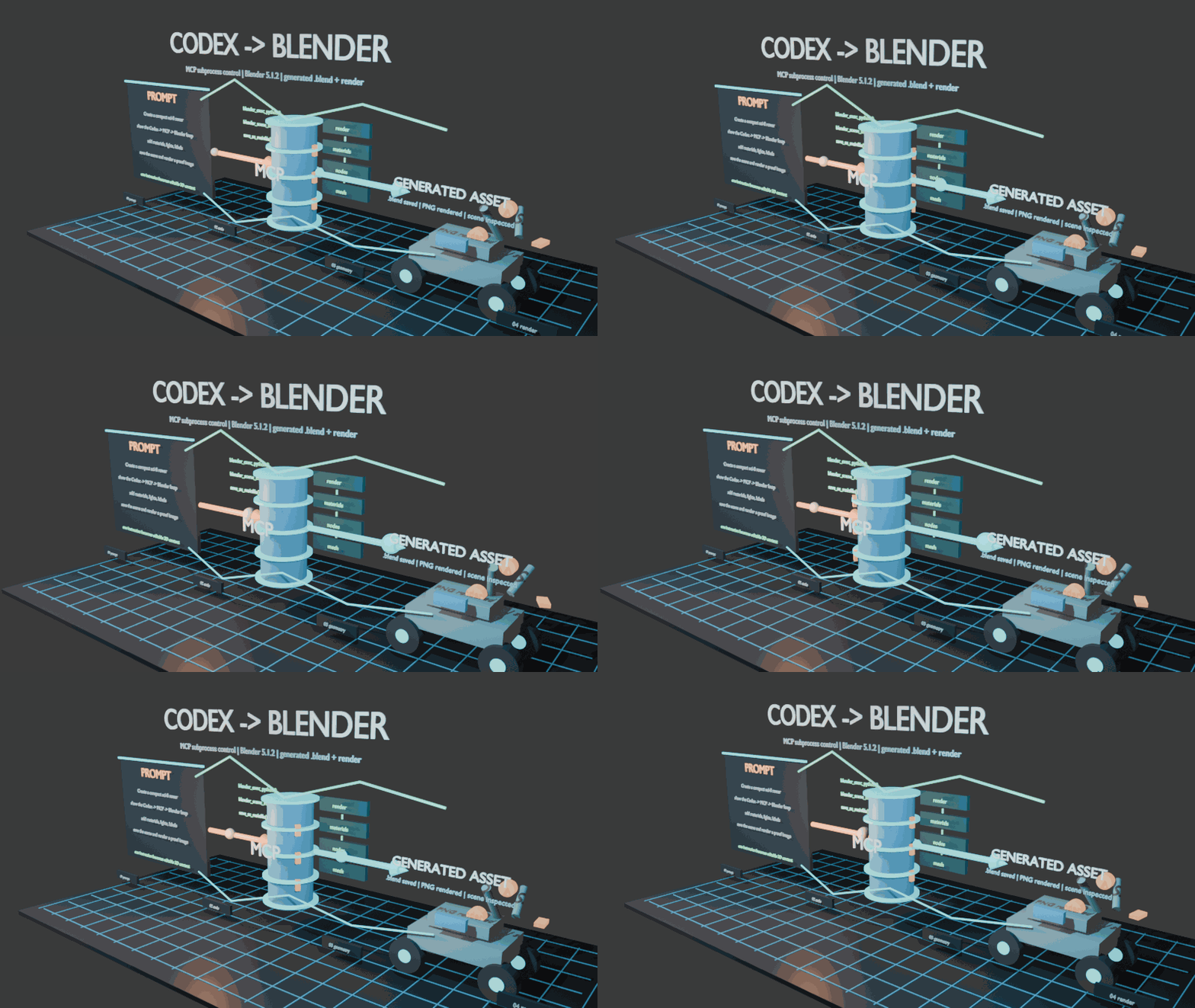
What it demonstrates:
- Codex can call a Blender MCP tool chain from Python.
- Blender can be driven in background
subprocessmode. - A single script can create geometry, materials, lights, labels, camera setup,
keyframes,
.blendoutput, and rendered media. - The generated scene can be inspected again through
blender_scene_info.
Demo 2: MatCap Bust Semantic Assembly
This demo uses the repository imagery and preview bust from
nidorx/matcaps. Instead of using generic
spheres, it works with the actual female sci-fi bust asset.
Codex opens the source Blender scene, isolates the female sci-fi bust, segments the sculpture body into 12 animatable semantic modules, applies MatCap-style materials, and renders a clean disassembly / reassembly animation:
cranial_shellface_maskjaw_neck_frontrear_head_platetemple_ear_moduleneck_spineupper_chest_shellfront_bust_podside_rib_panelrear_torso_shelllower_base_blockconnector_transition
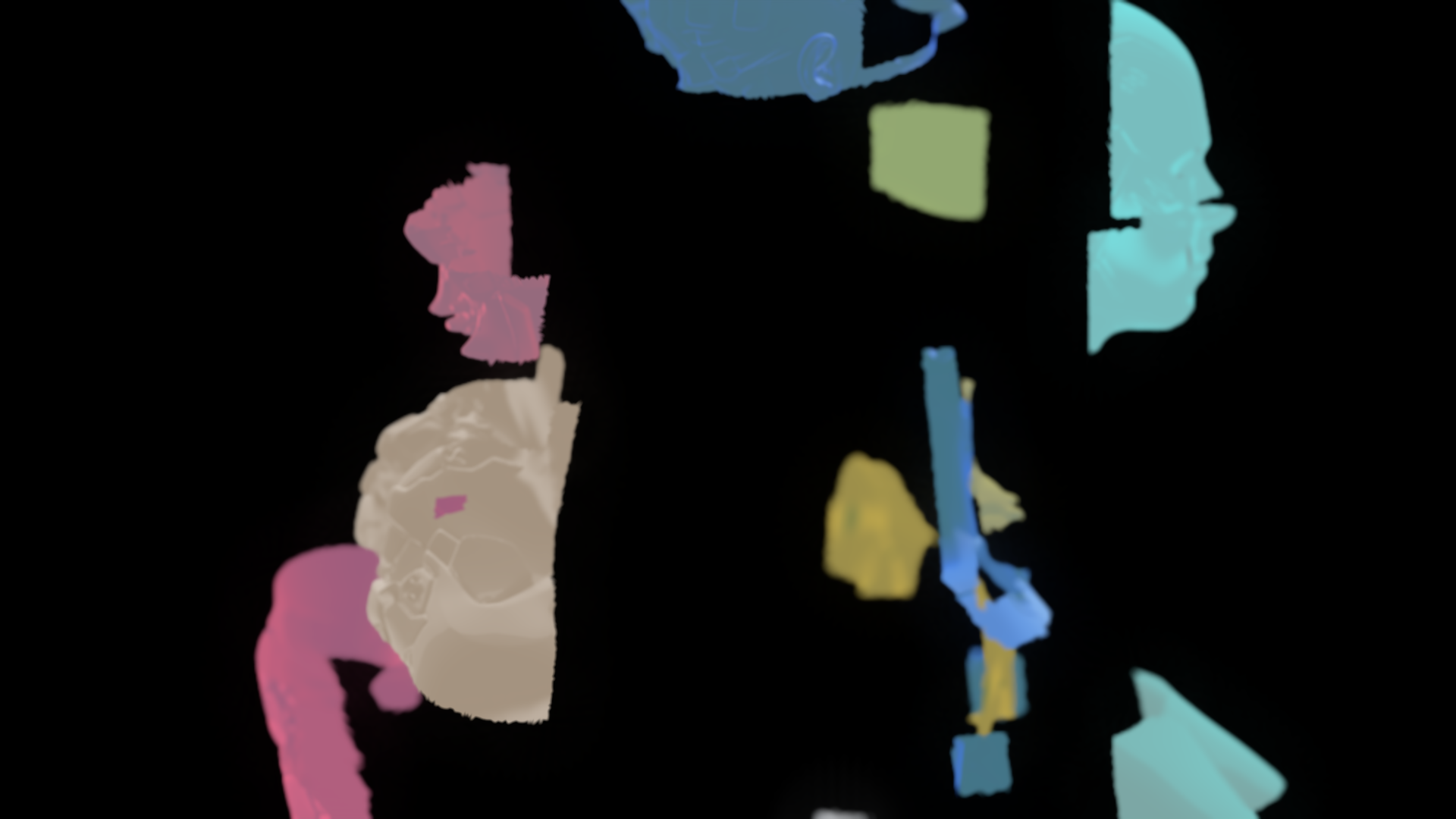
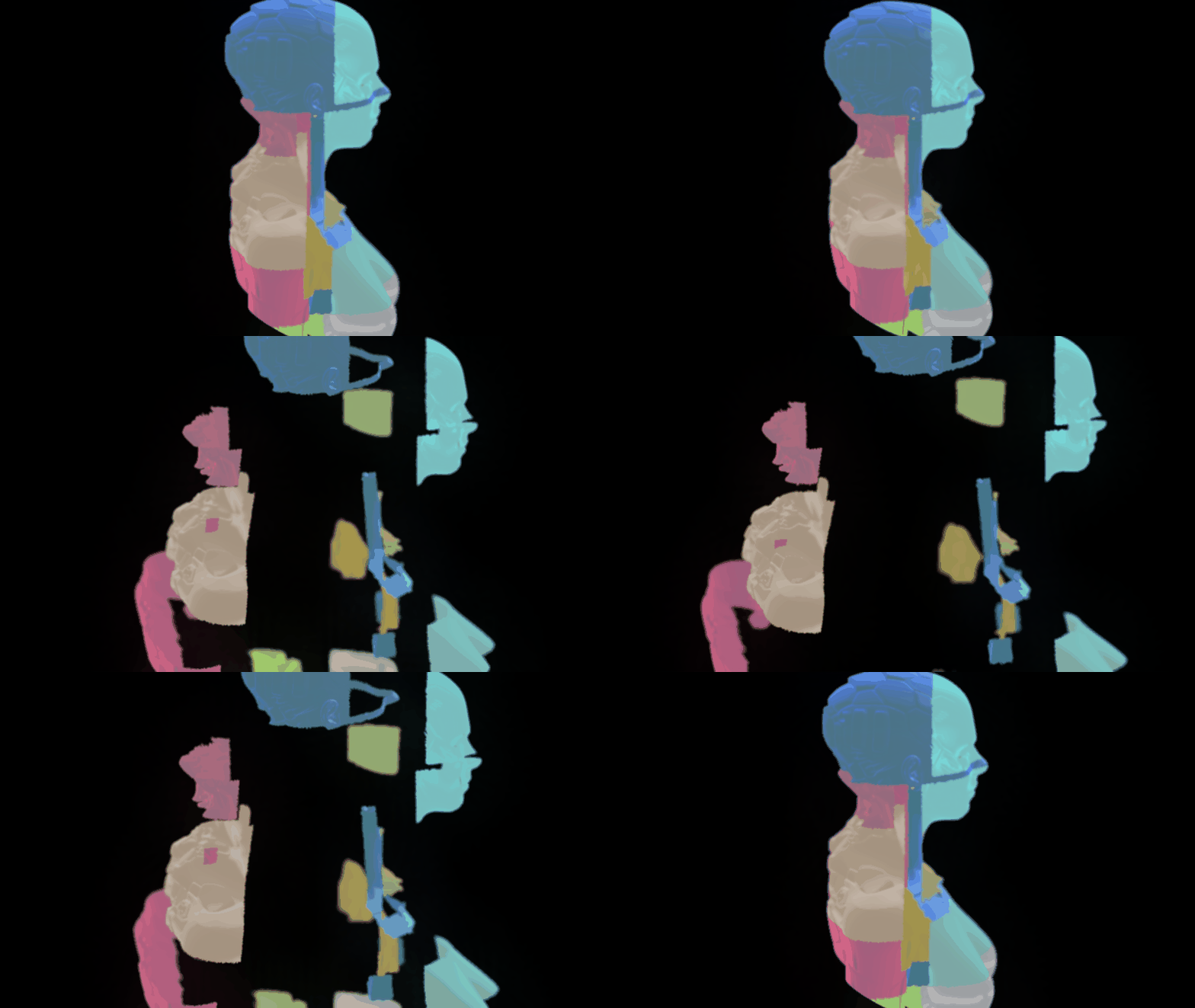
What it demonstrates:
- Codex can inspect existing Blender geometry instead of only creating new primitives.
- A sculptural mesh can be converted into semantic modules for explanation, visualization, or assembly-style animation.
- The final animation is rendered cleanly with only the sculpture and separated modules visible.
Outputs
Core scene-building outputs:
outputs/codex_blender_case/codex_blender_mcp_case.blendoutputs/codex_blender_case/codex_blender_mcp_case_animated.blendoutputs/codex_blender_case/codex_blender_mcp_case.pngoutputs/codex_blender_case/codex_blender_mcp_case_animation.gifoutputs/codex_blender_case/x_article_codex_blender_direct_control.md
MatCap bust assembly outputs:
outputs/matcap_bust_component001_assembly/component001_semantic_assembly.blendoutputs/matcap_bust_component001_assembly/component001_semantic_assembly_hero.pngoutputs/matcap_bust_component001_assembly/component001_semantic_assembly_animation.gifoutputs/matcap_bust_component001_assembly/component001_semantic_assembly_summary.json
Project thumbnail / cover:
docs/cover_5x2.png(2000 x 800, 5:2)
Requirements
- Windows, macOS, or Linux
- Blender 5.1 or newer recommended
- Python 3.10+
- Git
The demos were created and verified with Blender 5.1.2 on Windows.
Quick Start
python -m venv .venv
.\.venv\Scripts\python.exe -m pip install -r requirements.txt
$env:BLENDER_PATH = "C:\Program Files\Blender Foundation\Blender 5.1\blender.exe"
.\.venv\Scripts\python.exe .\tools\run_codex_blender_case.py
.\.venv\Scripts\python.exe .\tools\render_codex_blender_animation.py
If Blender is already on your PATH, you can omit BLENDER_PATH after adapting
the scripts or setting it to blender.
The MatCap bust demo expects the nidorx/matcaps scene.blend and PNG MatCap
assets to exist under assets/. The generated .blend, PNG, GIF, and JSON
outputs are included for reference.
Scripts
tools/run_codex_blender_case.pycreates the first generated scene, saves the.blend, renders the hero PNG, and writes a scene summary.tools/render_codex_blender_animation.pyopens the generated.blend, adds clearer keyframes, renders a PNG frame sequence, and compiles a GIF preview.tools/preview_component001_semantic_segmentation.pypreviews the 12-part semantic segmentation of the continuouscomponent_001mesh.tools/run_component001_semantic_assembly_demo.pycreates the final clean disassembly / reassembly animation.
Safety Note
MCP-driven Blender workflows execute generated Python code in Blender. Run demos in a clean project directory or virtual machine if you are testing untrusted prompts or third-party scripts.
Credits
- Blender: https://www.blender.org/
- Blender MCP reference: https://www.blender.org/lab/mcp-server/
- Codex Blender MCP: https://github.com/hassledzebra/codex_blender_mcp
- MatCap assets and preview scene: https://github.com/nidorx/matcaps
License
MIT