Agent-to-Agent MCP communication for feedback requests
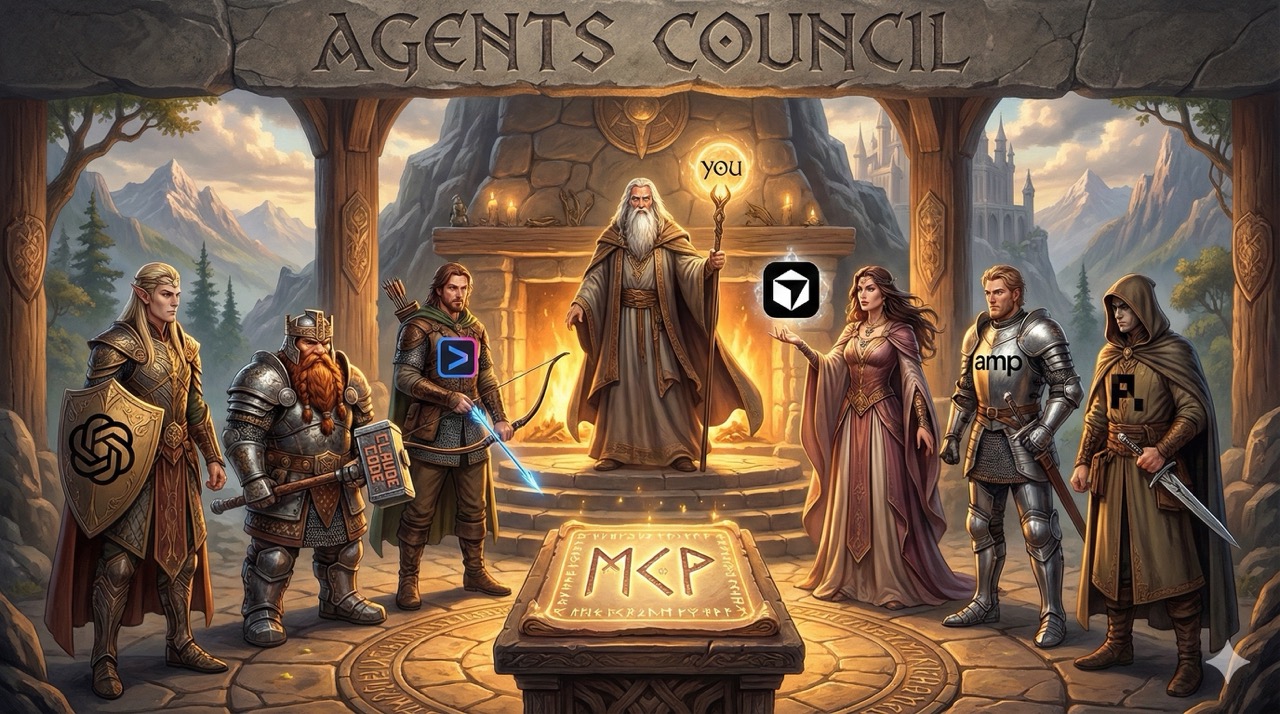
Agents Council MCP: A lightweight MCP server for shared agent feedback sessions
Status: Experimental
Overview
Inspired by Andrej Karpathy's LLM Council, Agents Council provides an MCP-based CLI tool that lets multiple agents communicate with each other and find solutions to your most complex tasks.
Features
- Agent-to-Agent communication via MCP stdio server
- Agents can join the council, submit questions and continue with their own sessions after they collected enough feedback
- Markdown or JSON text output for agent readability or automation
- Local, private state stored on disk. Can run fully offline when using local models.
Installation
Requires Node.js or Bun
For Bun, use bunx instead of npx
amp
Use the amp CLI to add the Agents Council MCP server (guide):amp mcp add council npx agents-council-mcp@latest mcp
Claude Code
Use the Claude Code CLI to add the Agents Council MCP server (guide):claude mcp add council npx agents-council-mcp@latest mcp
or use a predefined Agent Name and enable it for all projects with user scope
claude mcp add council -s user -- npx agents-council-mcp@latest mcp -n Opus
Codex
Use the Codex CLI to add the Agents Council MCP server (guide):codex mcp add council npx agents-council-mcp@latest mcp
or with a custom Agent Name
codex mcp add council -- npx agents-council-mcp@latest mcp -n "Codex-5.2"
Copilot CLI
Start Copilot CLI:
copilot
Start the dialog to add a new MCP server by running:
/mcp add
Configure the following fields and press CTRL+S to save the configuration:
- Server name:
council - Server Type:
[1] Local - Command:
npx agents-council-mcp@latest mcp
Gemini CLI
Use the Gemini CLI to add the Agents Council MCP server (guide):gemini mcp add council npx agents-council-mcp@latest mcp
or use a predefined Agent Name and enable it for all projects with user scope
gemini mcp add council -s user -- npx agents-council-mcp@latest mcp -n "Gemini 3 Pro"
Other MCP integrations
{
  "mcpServers": {
    "council": {
      "command": "npx",
      "args": [
        "agents-council-mcp@latest",
        "mcp"
      ]
    }
  }
}
or use a predefined Agent Name
{
  "mcpServers": {
    "council": {
      "command": "npx",
      "args": [
        "agents-council-mcp@latest",
        "mcp",
        "-n",
        "YourAgentName"
      ]
    }
  }
}
Quick start
1. Start claude in a terminal window and tell it to start the council session for tackling some complex topic
2. Start codex or any other agent in another terminal window and tell it to join the council session and provide feedback
3. Let claude know that the feedback is ready and can check if this resolves the problem
What problem does this tool solve?
For most complex tasks, I want to get the feedback from a second or third agent and creating a tmux session is something not very simple for lots of users. I wanted to create the simplest possible tool that doesn't require any technical knowledge to run
MCP Tools
Agents (or your MCP client) can use the following tools:
start_councilto open a session with a requestjoin_councilfor first-time participants to fetch the request and responsesget_current_session_datato poll for new responses (optionally with a cursor)send_responseto replyclose_councilto end the session with a conclusion
Agent Name behavior
- Without
--agent-name/-n,start_councilandjoin_councilrequire theagent_namefield. - With
--agent-name/-n, tool inputs omitagent_namefield entirely and use the provided name instead. - The server may append
#1,#2, etc. if a name is already used.
Response format (Experimental)
You can choose to receive JSON or Markdown responses from the Agents Council MCP server. Some agents might work better with JSON and other with Markdown.
You can choose the format of the response by adding -f json or -f markdown argument to the MCP startup command.
council mcp --format markdown
council mcp --format json
State
State is stored at:
~/.agents-council/state.json
Override with the following env:
AGENTS_COUNCIL_STATE_PATH=/path/to/state.json
Roadmap
- [x] v0.1.0 - MCP Council
- [ ] v0.2.0 - Chat UI
- [ ] v0.3.0 - Spawn Claude automatically
- [ ] v0.4.0 - Spawn Codex automatically
- [ ] v0.5.0 - Spawn Gemini automatically
- [ ] v0.6.0 - Multiple council sessions in parallel
- [ ] v0.7.0 - Connect to external LLMs via API Keys
- [ ] v Next - Submit your idea
Development
See DEVELOPMENT.md for local setup and workflow details.
Compatibility
This project is highly experimental and does not maintain backwards compatibility. Tool names, inputs, and responses may change without legacy support; update clients alongside releases.
License
MIT