C
Copilot Agent And MCP
by @martins-vds
MCP server by martins-vds
Created 1/21/2026
Updated about 1 month ago
README
Repository documentation and setup instructions
Book Favorites App
[!NOTE] This is a demo repository to be used during the GitHub Copilot Agents and MCP training session.
Functional
Book Favorites is a full-stack web application that allows users to:
- Register for a new account or log in with existing credentials
- Browse a curated list of 50 books
- Add books from their personal favorites list
- View their favorite books in a dedicated section
- Enjoy a clean, modern, and responsive user interface
- Experience protected routes (only logged-in users can access book and favorites pages)
Technical
-
Frontend:
- Built with React, Redux Toolkit, and React Router
- Uses CSS Modules for modular, responsive, and modern styling
- State management for user authentication, books, and favorites via Redux slices
- JWT-based authentication; tokens are stored in localStorage and sent with API requests
- Protected routes and navigation for a seamless UX
-
Backend:
- Node.js with Express.js for RESTful API endpoints
- User authentication with JWT (JSON Web Tokens)
- Data persistence using JSON files (
books.jsonandusers.json) - Modular route structure for authentication, books, and favorites
- CORS enabled for frontend-backend communication
-
Other:
- Responsive design for desktop and mobile
- Clear empty states and error handling
- Modern UI/UX with attention to navigation and feedback
Setup
-
Clone the repository:
git clone <repo-url> cd <repo-name> -
Install dependencies:
  npm install
  cd frontend
  npm install
  cd ..
-
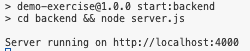
Run the backend server:
npm run start:backendThe backend runs on http://localhost:4000
-
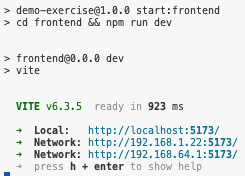
Run the frontend app:
Open a second terminal.
npm run start:frontendThe frontend runs on http://localhost:5173
-
Run the tests (optional):
Open a third terminal.
npm run test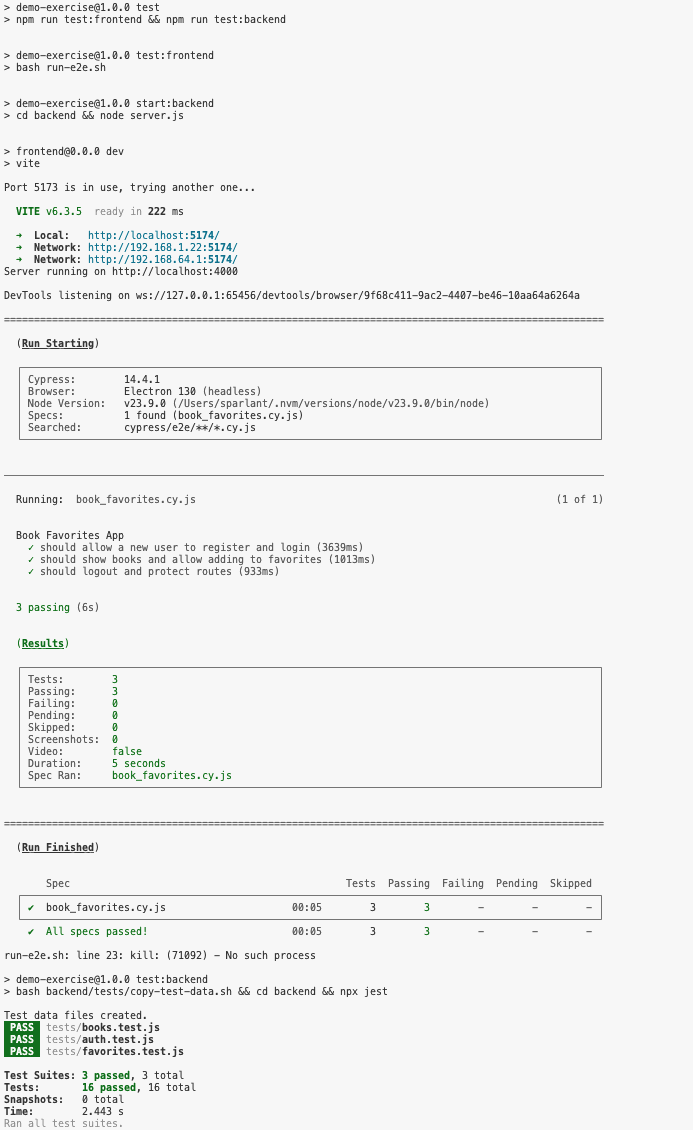
-
Usage:
- Register a new account or log in with an existing one (
sandra/sandra)). - Browse books, add favorites, and enjoy the app!
- Register a new account or log in with an existing one (
Quick Setup
Installation guide for this server
Install Package (if required)
npx @modelcontextprotocol/server-copilot-agent-and-mcp
Cursor configuration (mcp.json)
{
"mcpServers": {
"martins-vds-copilot-agent-and-mcp": {
"command": "npx",
"args": [
"martins-vds-copilot-agent-and-mcp"
]
}
}
}