MCP server for Gemini image generation (Nano Banana Pro & Nano Banana 2)
nano-banana-pro-mcp
🔥 Now supports Nano Banana 2 (gemini-3.1-flash-image-preview) — Google's latest and most capable image generation model



An MCP (Model Context Protocol) server that gives AI agents — Claude, Gemini, Codex and more — the power to generate, edit, and analyze images through Google's Gemini image generation API.
Why Nano Banana 2?
Nano Banana 2 (gemini-3.1-flash-image-preview) is Google's newest image generation model, bringing significant improvements over its predecessors:
- Higher fidelity — sharper details, better lighting/texture, reflective surfaces and dynamic scenes
- Better instruction following — more accurately interprets complex prompts and compositions
- Native text rendering — generates readable text within images, a major leap forward
- 2x faster, 50% cheaper — API delivers ~2s/image, up to 350+ images/min at $0.067/image (1K)
- 14 aspect ratios — new ultra-wide
8:1,4:1and ultra-tall1:8,1:4for banners, panoramas, infographics - 512px to 4K resolution — new low-res
512pxoption for fast iterations alongside1K,2K,4K - Google Search grounding — real-time web search for accurate infographics, weather, products, and current events
- Enhanced consistency — maintains up to 5 characters and 14 objects across a single generation
- Thinking mode — optional deep reasoning for complex compositions and precise text rendering
This MCP server defaults to Nano Banana 2, giving your AI agent access to Google's best image generation capabilities out of the box.
Supported Models
| Model | Alias | Highlights |
|---|---|---|
| gemini-3.1-flash-image-preview | Nano Banana 2 ⭐ | Latest & recommended. Best quality, text rendering, fast |
| gemini-3-pro-image-preview | Nano Banana Pro | Highest quality for complex scenes |
| gemini-2.5-flash-preview-05-20 | Nano Banana | Balanced speed and quality |
| gemini-2.0-flash-exp | — | Widely available fallback |
Quick Start
1. Get a Free API Key
Get your Gemini API key from Google AI Studio — it's free.
2. Install
Choose your platform:
Claude Code CLI
claude mcp add nano-banana-pro --env GEMINI_API_KEY=your_api_key_here -- npx @easyuseai/nano-banana-pro-mcp
Cursor
Add to your Cursor MCP settings (.cursor/mcp.json):
{
  "mcpServers": {
    "nano-banana-pro": {
      "command": "npx",
      "args": ["@easyuseai/nano-banana-pro-mcp"],
      "env": {
        "GEMINI_API_KEY": "your_api_key_here"
      }
    }
  }
}
Claude Desktop
Add to your config file:
- macOS:
~/Library/Application Support/Claude/claude_desktop_config.json - Windows:
%APPDATA%\Claude\claude_desktop_config.json
{
  "mcpServers": {
    "nano-banana-pro": {
      "command": "npx",
      "args": ["@easyuseai/nano-banana-pro-mcp"],
      "env": {
        "GEMINI_API_KEY": "your_api_key_here"
      }
    }
  }
}
Codex CLI
Create or edit .mcp.json in your project directory (or ~/.mcp.json for global):
{
  "mcpServers": {
    "nano-banana-pro": {
      "command": "npx",
      "args": ["@easyuseai/nano-banana-pro-mcp"],
      "env": {
        "GEMINI_API_KEY": "your_api_key_here"
      }
    }
  }
}
Gemini CLI
Create or edit ~/.gemini/settings.json:
{
  "mcpServers": {
    "nano-banana-pro": {
      "command": "npx",
      "args": ["@easyuseai/nano-banana-pro-mcp"],
      "env": {
        "GEMINI_API_KEY": "your_api_key_here"
      }
    }
  }
}
3. Use It
Just ask your AI agent to generate images — it will automatically use the MCP tools.
Generate a hero image of a sunset over Santorini, 16:9 aspect ratio, 4K

Generate an 8:1 ultra-wide banner of a modern cityscape in the style of 清明上河图

Generate today's weather infographic for Tokyo with Google Search enabled

Edit this photo: add a dramatic sky and warm color grading

Describe what's in this screenshot
Tools
generate_image
Generate an image from a text description. Optionally provide reference images for style/content guidance.
| Parameter | Required | Description |
|---|---|---|
| prompt | ✅ | Text description of the image to generate |
| model | | Gemini model (default: gemini-3.1-flash-image-preview) |
| aspectRatio | | 1:1 · 3:2 · 2:3 · 3:4 · 4:3 · 4:5 · 5:4 · 9:16 · 16:9 · 21:9 · 4:1 · 1:4 · 8:1 · 1:8 |
| imageSize | | 512px · 1K · 2K · 4K |
| images | | Reference images [{ data, mimeType }] (up to 10 object + 4 person refs) |
| outputPath | | File path to save the image |
| useGoogleSearch | | Enable real-time web search for grounded generation (default: false) |
| personGeneration | | ALLOW_ALL · ALLOW_ADULT · ALLOW_NONE |
| thinkingConfig | | { thinkingLevel, includeThoughts } for complex scenes |
edit_image
Edit one or more existing images based on instructions.
| Parameter | Required | Description |
|---|---|---|
| prompt | ✅ | Editing instructions |
| images | ✅ | Images to edit [{ data, mimeType }] |
| model | | Gemini model (default: gemini-3.1-flash-image-preview) |
| outputPath | | File path to save the result |
| personGeneration | | ALLOW_ALL · ALLOW_ADULT · ALLOW_NONE |
describe_image
Analyze and describe images. Returns text only.
| Parameter | Required | Description |
|---|---|---|
| images | ✅ | Images to analyze [{ data, mimeType }] |
| prompt | | Custom analysis prompt |
| model | | Gemini model (default: gemini-3.1-flash-image-preview) |
Prompt Templates
The server includes 17 built-in prompt templates showcasing best practices and creative workflows with Nano Banana 2's new features. AI agents can discover and use these via the MCP prompts protocol.
With Claude Desktop or any MCP-compatible client, you can select a prompt template and fill in the parameters:
Use the "scroll_painting_panorama" prompt:
  city: Hangzhou
  variant: ghibli
  resolution: 4K
1. ultra_wide_panorama — Ultra-Wide City Panorama
8:1 exclusive ratio · Website banners, outdoor ads, wall art

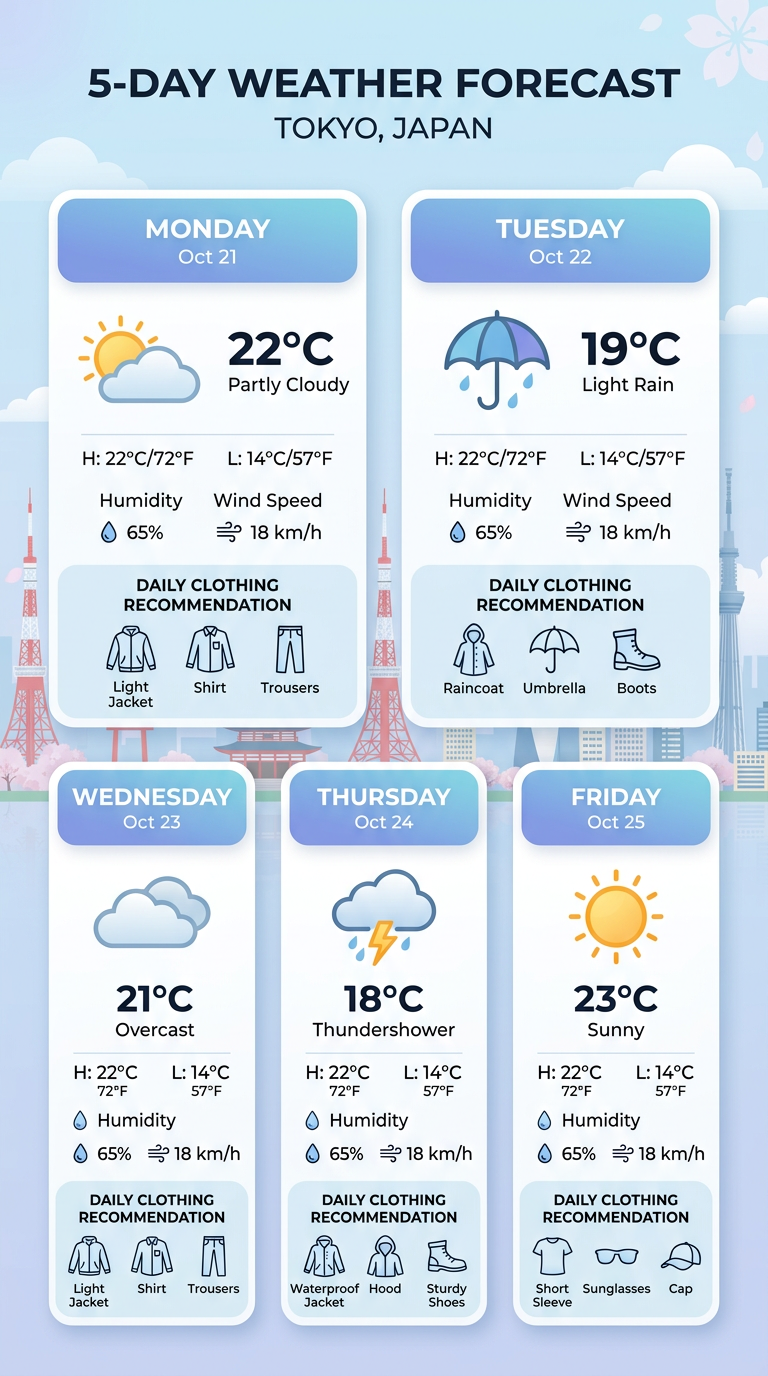
2. weather_infographic — Real-Time Weather Infographic
Google Search grounding · Accurate real-time data visualization
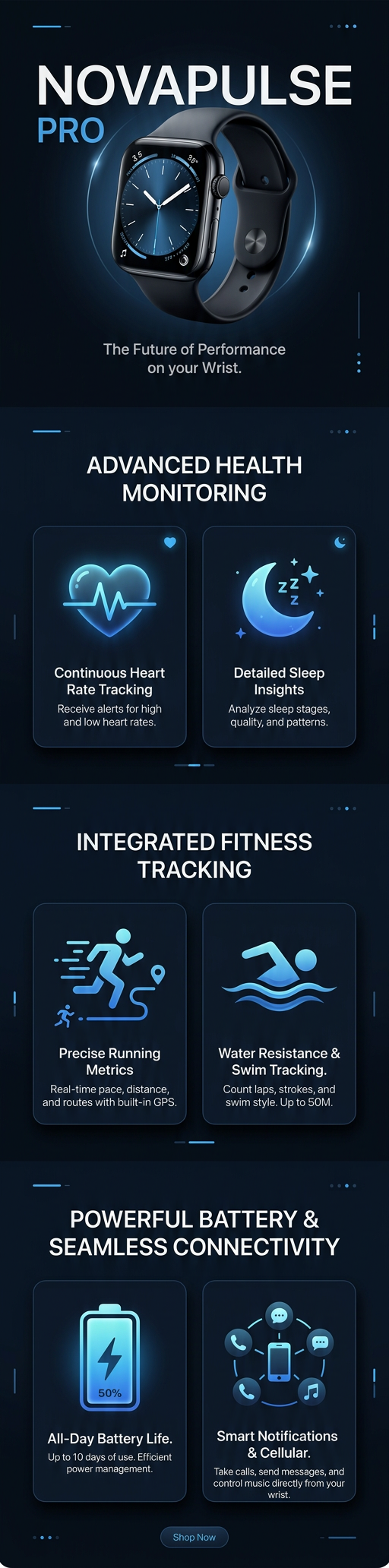
3. ecommerce_banner — E-Commerce Product Banner
4:1 exclusive ratio · Product promotions, email campaigns

4. product_detail_long — Vertical Product Detail Page
1:4 exclusive ratio + Thinking · Mobile product pages, Instagram stories
5. scroll_painting_panorama — Chinese Scroll Painting Panorama
8:1 ratio + Thinking · 清明上河图 style modern cityscapes

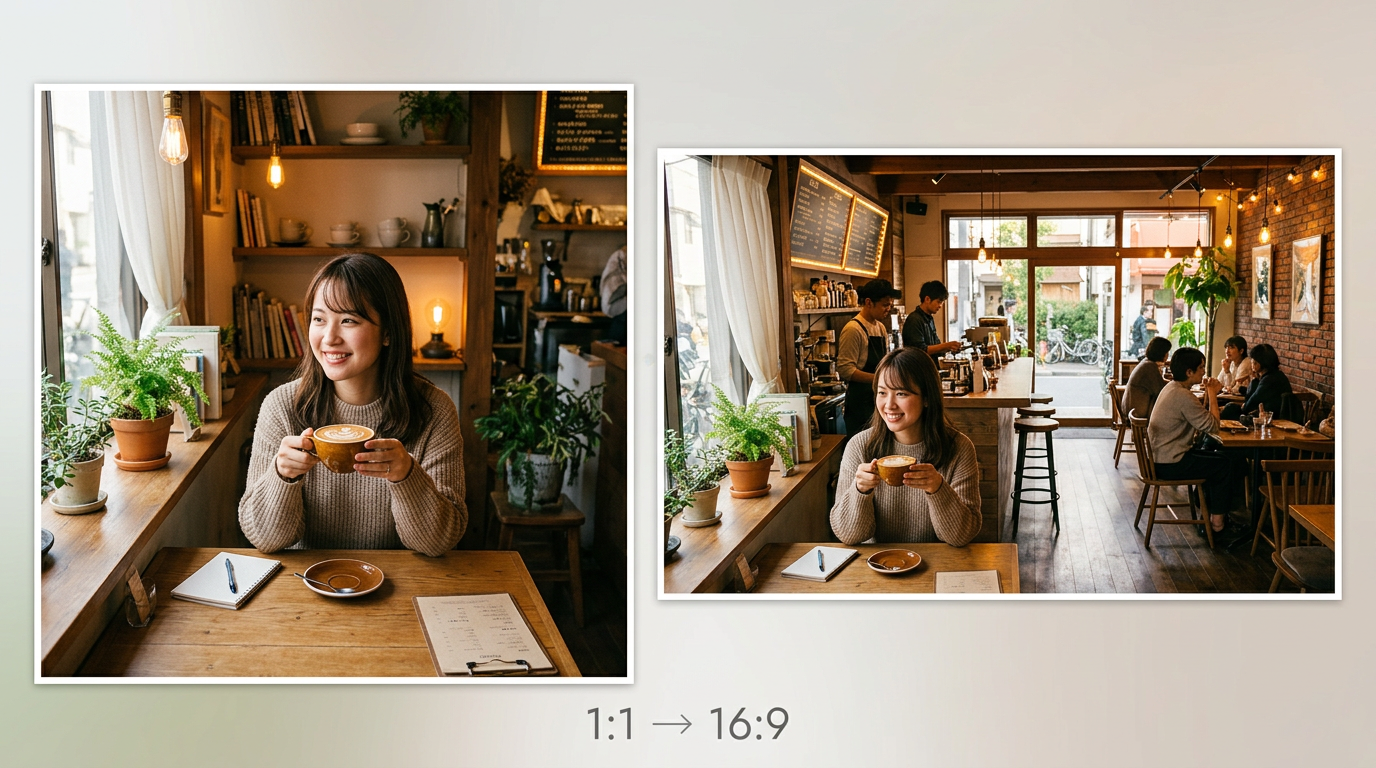
6. resize_and_enhance — Resize & Enhance Image
14 flexible ratios · Adapt content across platforms
7. character_multi_scene — Character Consistency Multi-Scene
Enhanced consistency · Storyboards, virtual influencer content

8. knowledge_card — Search-Grounded Knowledge Card
Google Search + Thinking · Educational content, species profiles

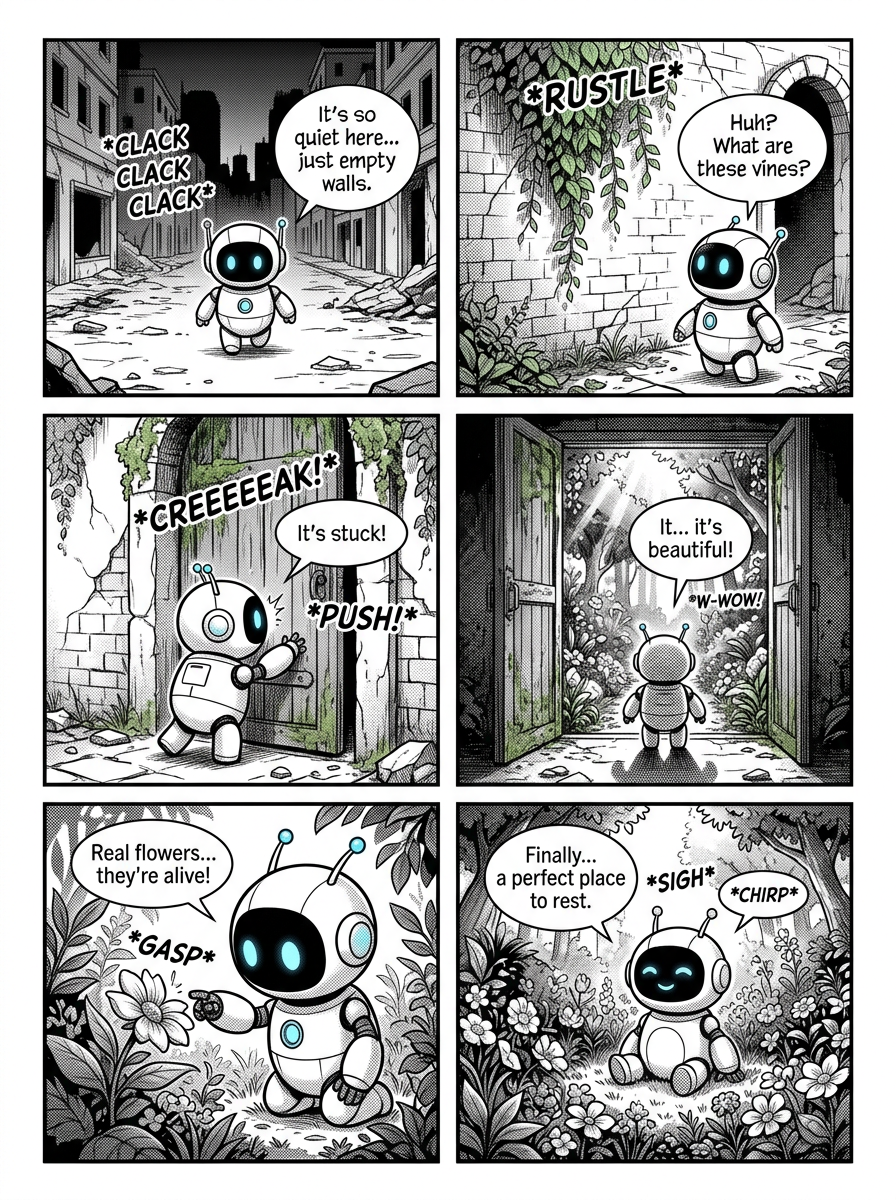
9. comic_storyboard — Comic / Storyboard Panels
Thinking + Consistency · Webcomics, pitch decks
10. brand_logo_system — Brand Logo & Visual Identity
4K + Thinking · Logo design, brand identity sheets

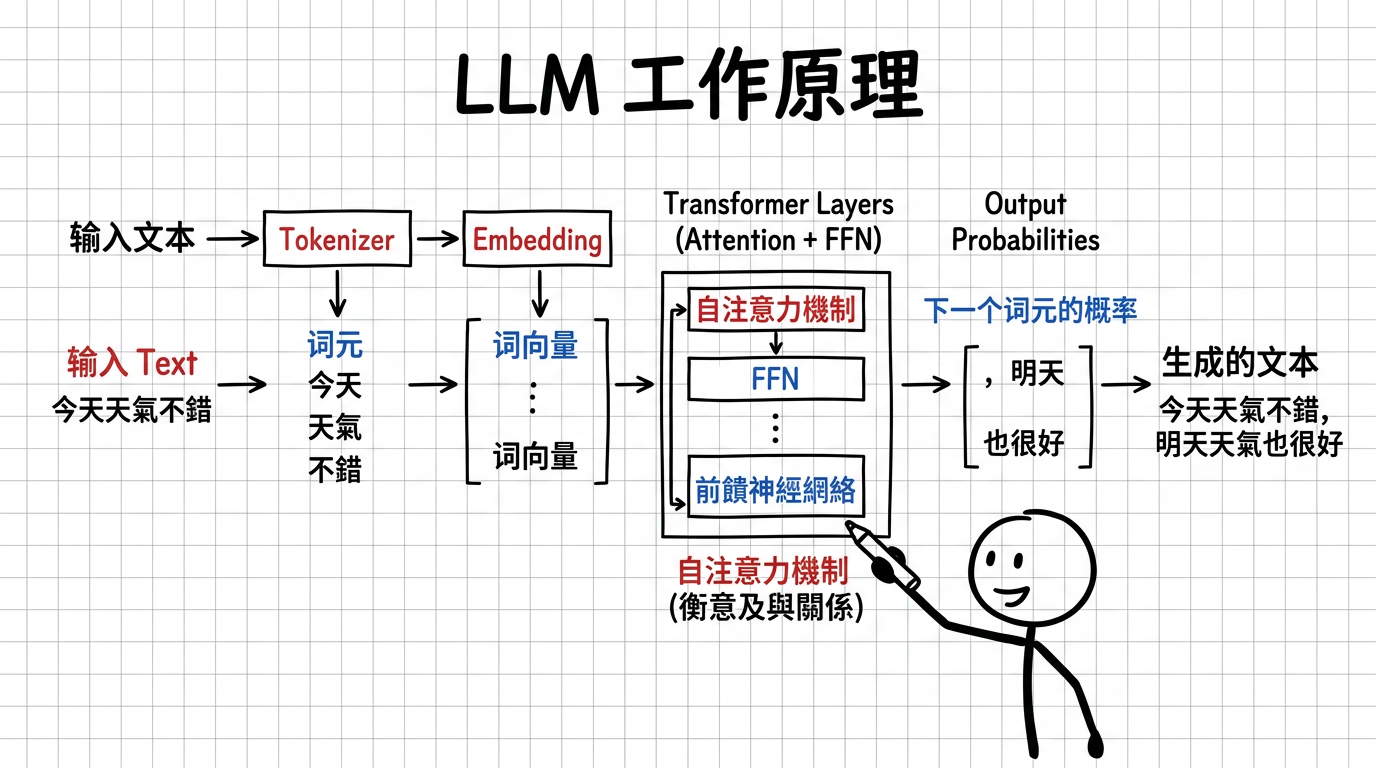
11. whiteboard_infographic — Whiteboard Stickman Infographic
Marker-drawn diagrams · Article illustrations, tutorials, explainers
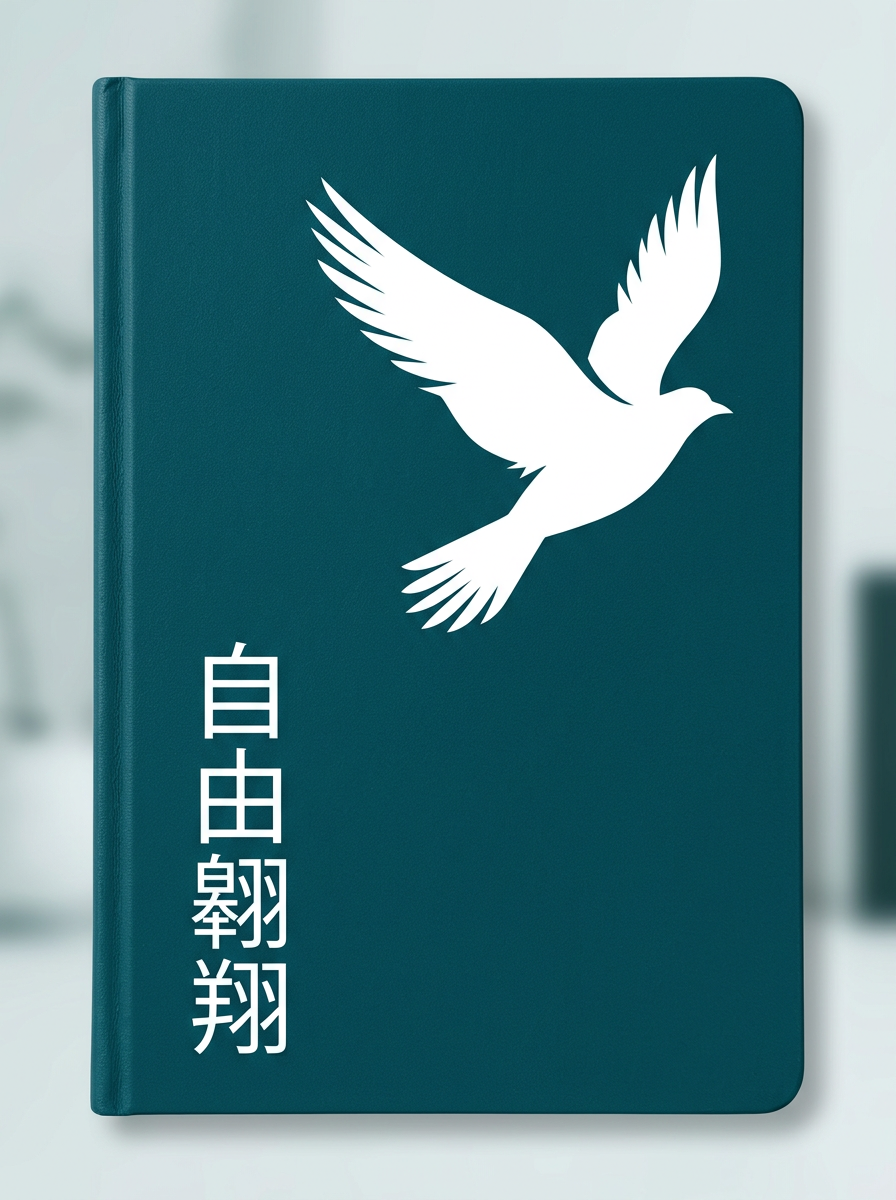
12. minimalist_cover — Minimalist Negative Space Cover
2-3 colors only · Notebook covers, book jackets, brand stationery
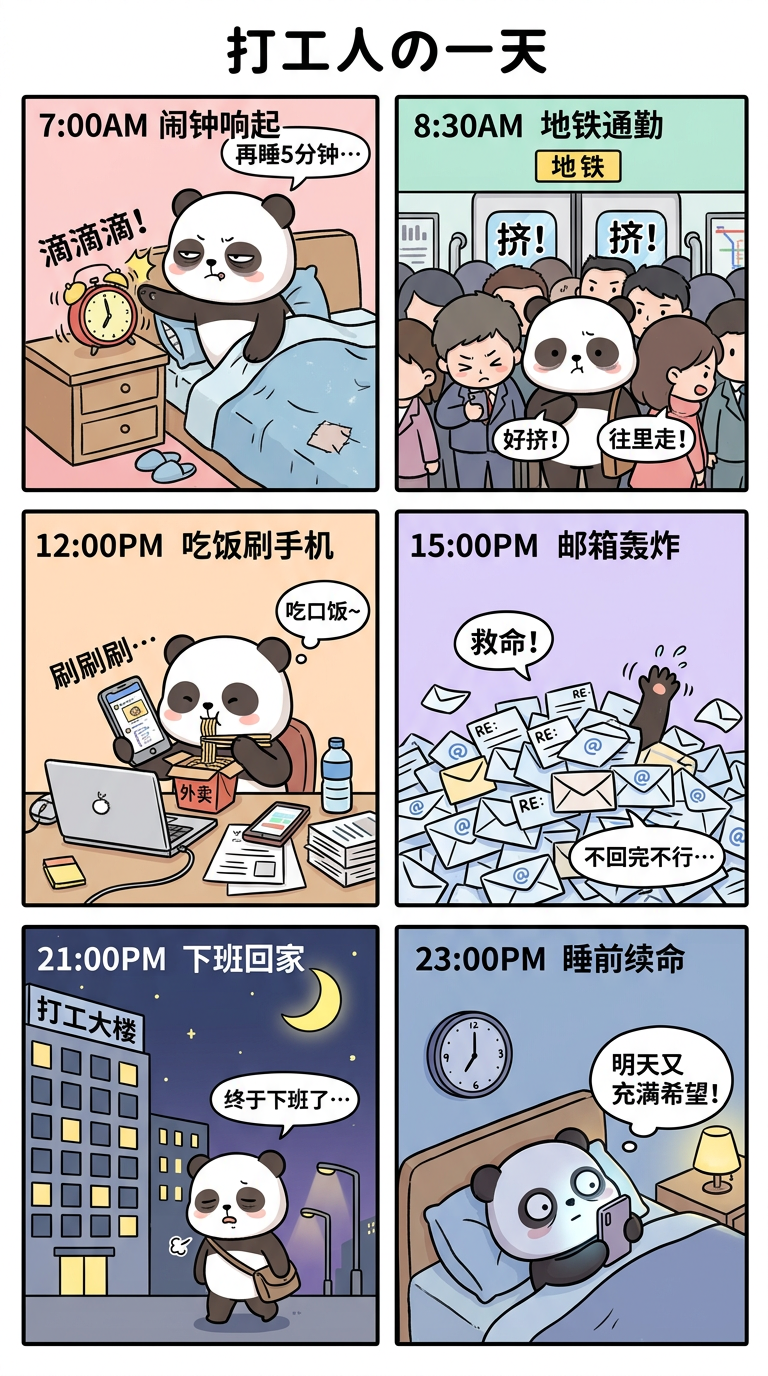
13. vertical_comic_strip — Vertical Comic Strip (9:16)
9:16 ratio + Thinking · Webtoon, social media stories, mobile comics
14. ecommerce_product_suite — E-Commerce Product Image Suite
Multi-shot workflow · Hero, lifestyle, and feature callout images

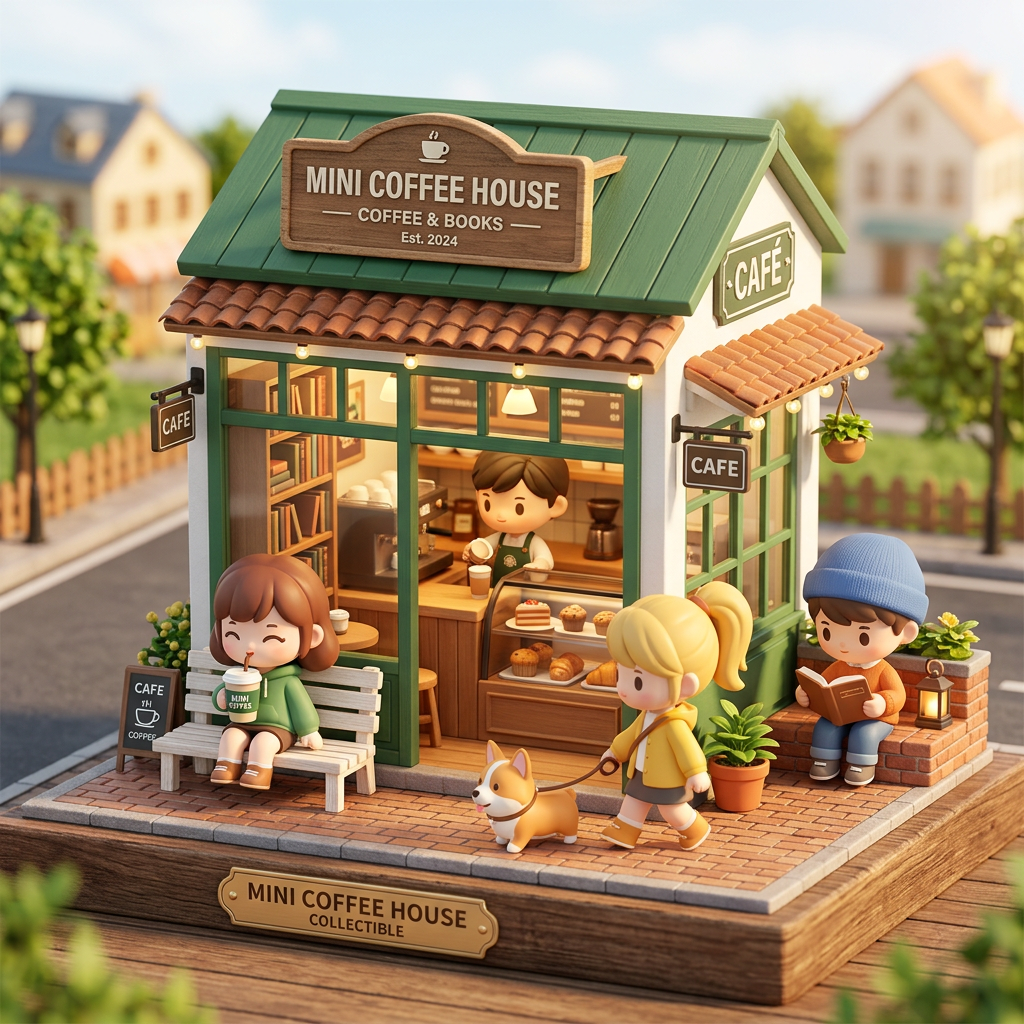
15. blindbox_miniature_store — Brand Blind Box Miniature Store
3D Q-version + Thinking · Brand social media, merchandise concepts
16. timeline_illustration — Ultra-Long Timeline Illustration
8:1 or 1:8 ratio + Thinking · History, product evolution, milestones

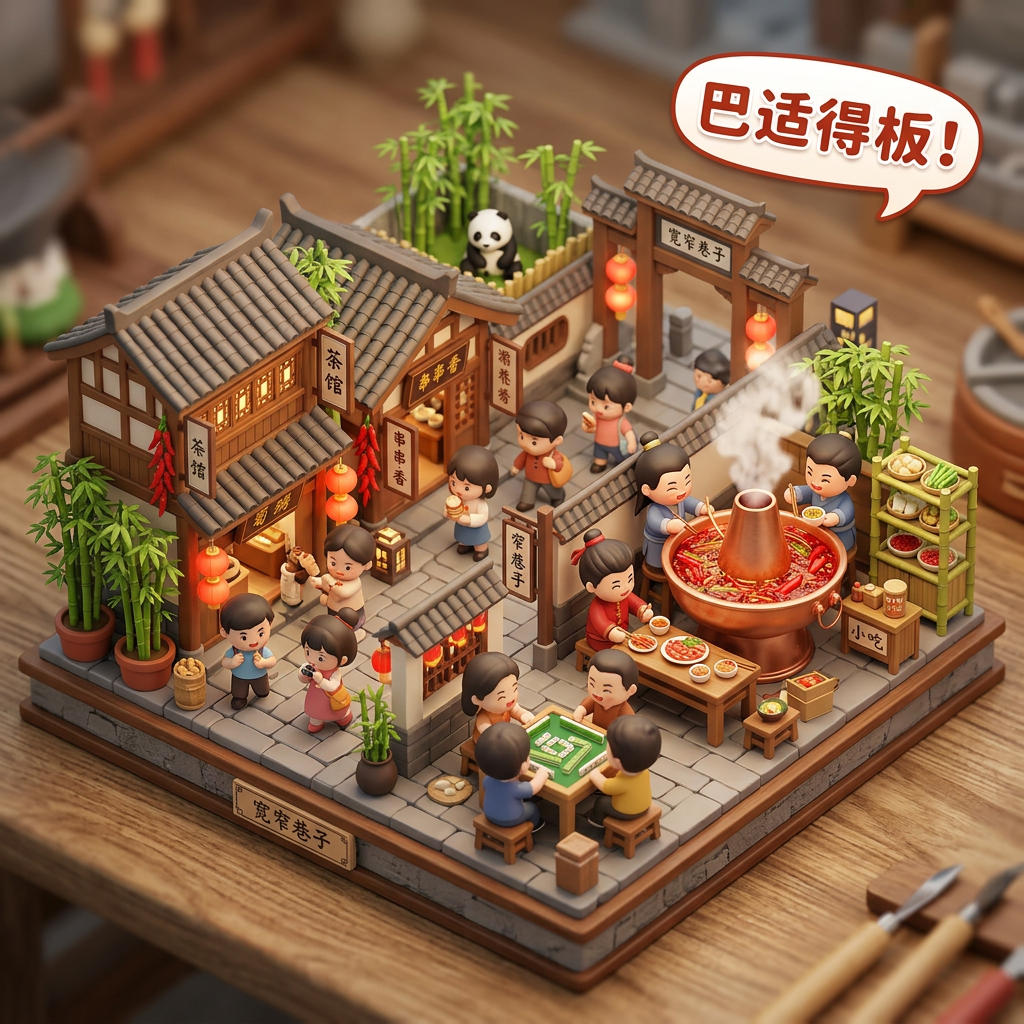
17. city_food_culture_card — City × Food × Culture Fusion Card
3D isometric + Thinking · Travel promotion, city IP, cultural content
Development
npm install          # Install dependencies
npm run build        # Compile TypeScript
npm test             # Run unit tests
npm run test:watch   # Tests in watch mode
npm run typecheck    # Type check only
Manual Testing
GEMINI_API_KEY=your_key npm run test:manual "a cute cat wearing sunglasses"
MCP Inspector
npx @modelcontextprotocol/inspector node dist/index.js
License
MIT