An MCP server that bridges Claude Code and other agents to any local OpenAI-compatible vision model
gimmick-vision-mcp
An MCP server that bridges Claude Code and other agents to any local OpenAI-compatible vision model.
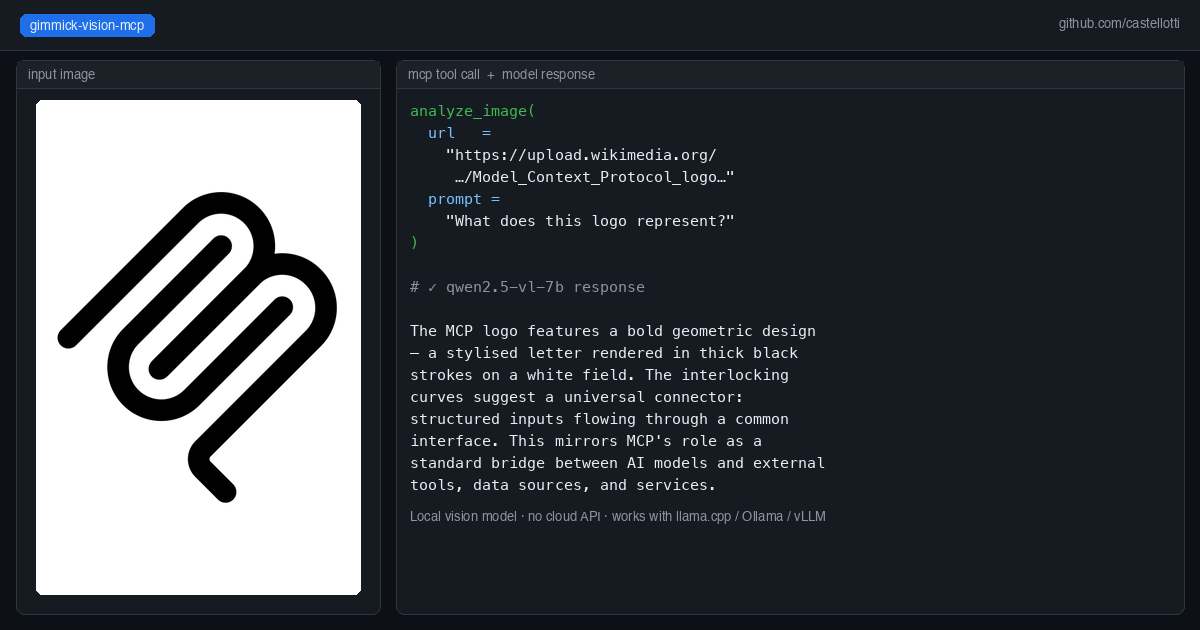
Pass an image URL and a prompt — gimmick-vision forwards the request to your local vision server and returns the text response. Works with any model served via an OpenAI-compatible API (llama.cpp, Ollama, vLLM, etc.).
Why this exists
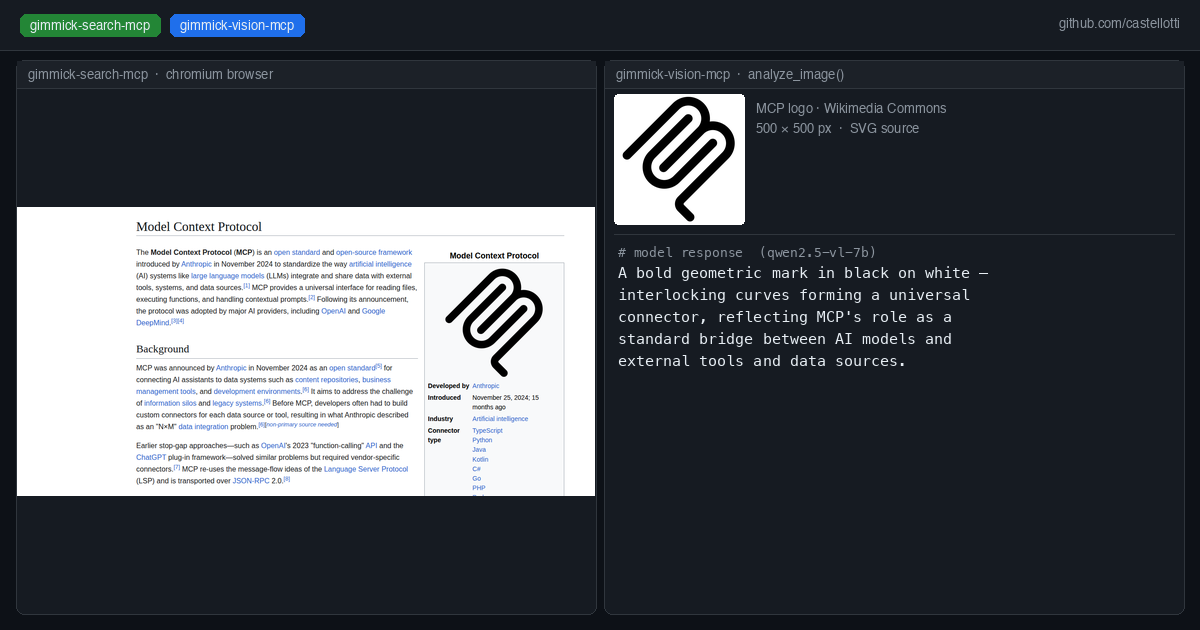
Claude Code (especially when running against a local LLM like Qwen3-Coder-Next) has no built-in vision capability. gimmick-vision adds three image analysis tools to the MCP toolset, routing vision requests to a separate local model — for example Qwen2.5-VL-7B — without any cloud API calls.
Tools provided
| Tool | Description |
|------|-------------|
| analyze_image | Analyze a single image from a URL. Returns a description or answer to the prompt. |
| compare_images | Send up to 8 images for combined analysis or comparison. |
| read_image_text | OCR-focused extraction of all visible text from an image. |
Quick start with Docker
docker run --rm -i \
  -e VISION_API_BASE=http://host.docker.internal:8081/v1 \
  -e VISION_MODEL=qwen2.5-vl-7b \
  ghcr.io/castellotti/gimmick-vision-mcp:latest
Add to your .mcp.json:
{
  "mcpServers": {
    "gimmick-vision": {
      "command": "docker",
      "args": [
        "run", "--rm", "-i",
        "-e", "VISION_API_BASE=http://host.docker.internal:8081/v1",
        "-e", "VISION_MODEL=qwen2.5-vl-7b",
        "ghcr.io/castellotti/gimmick-vision-mcp:latest"
      ]
    }
  }
}
Docker image
The image is published to the GitHub Container Registry on every push to main and on version tags:
docker pull ghcr.io/castellotti/gimmick-vision-mcp:latest
Building from source
git clone https://github.com/castellotti/gimmick-vision-mcp
cd gimmick-vision-mcp
docker build -t ghcr.io/castellotti/gimmick-vision-mcp:latest .
Building locally
npm install
npm run build
node build/index.js
Environment variables
| Variable | Default | Description |
|----------|---------|-------------|
| VISION_API_BASE | http://host.docker.internal:8081/v1 | Base URL of the vision API server |
| VISION_MODEL | qwen2.5-vl-7b | Model alias sent in API requests |
| VISION_TIMEOUT | 60000 | Request timeout in milliseconds |
| GIMMICK_PANEL_URL | http://host.docker.internal:6081/api/vision | Optional: push results to a gimmick-search control panel for live preview |
Running a local vision server
Any OpenAI-compatible server that accepts image_url in chat completions works. Example with llama.cpp:
llama-server \
  -m Qwen2.5-VL-7B-Instruct-Q4_K_M.gguf \
  --mmproj mmproj-Qwen2.5-VL-7B-Instruct-Q8_0.gguf \
  --port 8081 \
  --host 0.0.0.0 \
  -ngl 999
On macOS/Metal, full GPU offload (-ngl 999) works well. On CUDA machines where the primary LLM already fills VRAM, run the vision model on CPU (-ngl 0).
Integration with gimmick-search
If you use gimmick-search-mcp, gimmick-vision can push analysis results to its control panel sidebar. Set GIMMICK_PANEL_URL (the default points to the gimmick-search control panel on port 6081). Failures are silently ignored so the tool works standalone.
License
MIT